
Autograph: Completing the Maxon One Workflow
Autograph was never built to stand apart from the rest of your Maxon toolkit. Refine, not replace, is closer to the point of it: this is the layer that takes what you have already built in Cinema 4D, rendered in Redshift, sculpted in ZBrush, or graded with Red Giant, and pulls it together into one finished piece, faster. For VFX artists, broadcast engineers, motion designers, and post-production teams across India looking for broadcast compositing software and modern post-production tools, that is the workflow story worth understanding here.
What Is Maxon Autograph?
Autograph was originally built by French software studio Left Angle and relaunched under Maxon in 2026 as a core part of the product family, alongside Cinema 4D, Redshift, ZBrush, and Red Giant. Several tools were renamed during that transition to match Maxon's existing naming conventions, most notably the Cloner (previously called the Instancer), which now behaves consistently whether an artist is working in Cinema 4D or in Autograph.
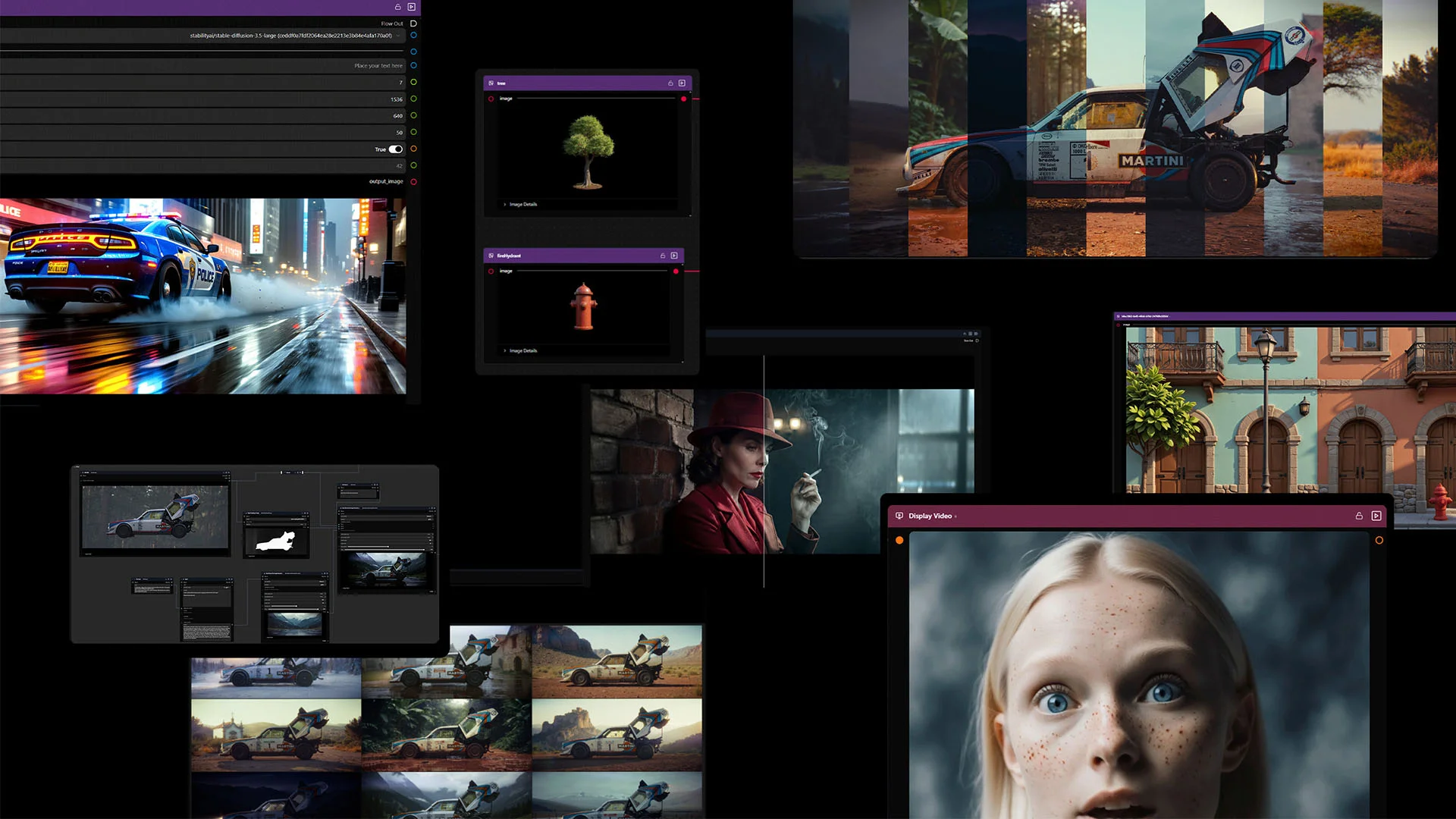
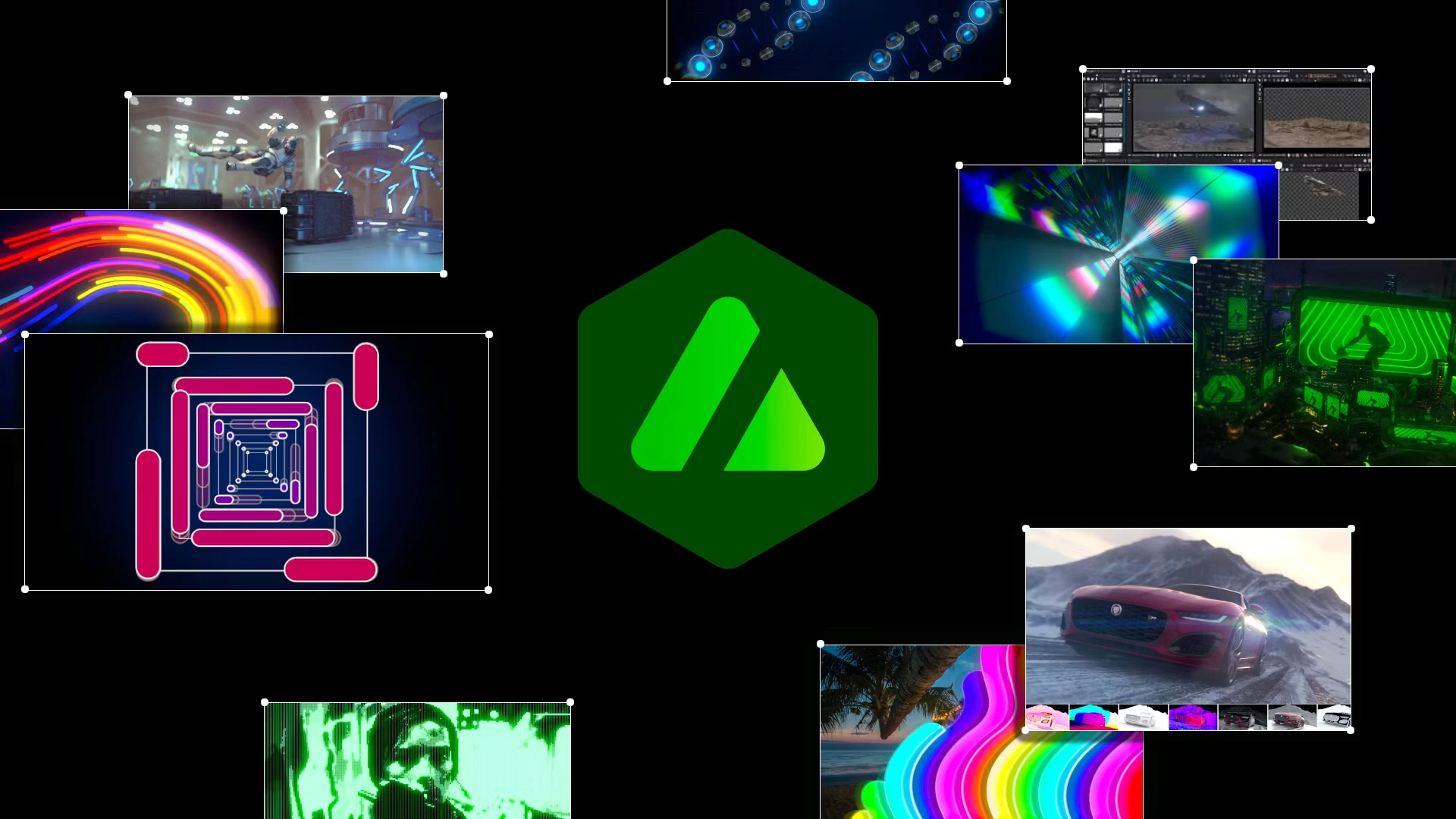
Autograph is Maxon's GPU-accelerated compositing and motion graphics application, built as the finishing layer for scenes and assets that begin in Cinema 4D, Redshift, ZBrush, or Red Giant. As Maxon Autograph software, it combines 2D design, 3D scene assembly, and real-time rendering in one workspace, so work already done elsewhere in the Maxon One toolkit carries straight through to a final composite without disrupting existing production pipelines.
How Does Autograph Refine a Cinema 4D Pipeline?

Source: Maxon
Shared Cloner and OpenUSD Architecture: Scenes move directly into the compositor without an intermediate render.
One Timeline for 3D and 2D: Lighting, graphics, and refinements all happen in a single application.
Native Scene Editing: 3D elements can be added, adjusted, and composited in real time, not just played back.
Seamless Pipeline Extension: Feels like the next stage of an existing Cinema 4D pipeline, not new software to learn.
How Does Autograph Refine Redshift-Rendered Footage?

Source: Maxon
Full-Fidelity Render Handoff: Multi-channel EXR passes carry their complete data into Autograph.
GPU-Native Finishing: Modifiers, rotoscoping, and planar tracking run at Redshift's own GPU speed.
Built-In Real-Time Review: Filament renders a fast, accurate preview before delivery.
End-to-End Color Accuracy: ACES and OCIO workflows keep grading consistent from render to final composite.
No Third-Party Detour: Render-to-composite stays entirely inside Maxon's own tools.
How Does Autograph Refine a Red Giant and Universe Toolset?

Source: Maxon
Effects Inside the Modifier List: Magic Bullet, Cosmo II, Shine, and other Red Giant and Universe tools apply just like any native Autograph Modifier.
Searchable Through Maxon Studio: Effects are easy to find without knowing the plugin name in advance.
No Round-Tripping Footage: Grading happens in the same timeline, with no quality loss from export-reimport cycles.
Room for Third-Party Plugins: RE:Vision Effects, BorisFX, and Digital Anarchy plug into the same workflow.
How Does Autograph Work with ZBrush-Sculpted Assets?

Source: Maxon
Two Supported Entry Points: Direct USD mesh export (native since ZBrush 2025), or the GoZ bridge through Cinema 4D.
Compositing Starts Early: Sculpted assets move into Autograph before the full scene is built.
Texture and Light Pre-Render: A working composite is ready long before a final render exists.
Swap Without Rebuilding: A fully rendered Redshift pass replaces the placeholder asset without restarting the composite.
What Value Does Autograph Add for Maxon One Studios?
For a studio already running Cinema 4D, Redshift, ZBrush, and Red Giant, Autograph's real value is not a new feature list. It shows up in turnaround time and overhead: fewer application handoffs, fewer format conversions, and no separate compositor to license, train for, or maintain alongside tools already in daily use.
Faster Turnaround: Scenes and renders move between Cinema 4D, Redshift, ZBrush, and Autograph without export or import detours.
Lower Training Overhead: Cloner and Modifier skills from Cinema 4D carry straight into Autograph, cutting onboarding time for a new compositing application to near zero.
More Use From Existing Licenses: Red Giant, Universe, and third-party OFX plugins already owned stay usable inside Autograph instead of sitting idle outside the compositing stage.
One Workflow, Multiple Deliverables: The Relative Definition Layout exports one project across broadcast, OTT, and social formats in a single pass.
Who Uses Autograph Inside the Maxon Ecosystem?
Broadcast motion designers, VFX compositors, character artists moving out of ZBrush, 3D artists working across Cinema 4D and Redshift, and post-production teams across India's broadcast, OTT, and social content industries use Autograph as the connective layer inside a toolkit they already run day to day, from branded social videos through to broadcast-ready and feature-quality deliverables.
Character and Creature Artists Moving from ZBrush: Bring sculpted assets into Autograph by USD export or through Cinema 4D, adding texture, motion, and composite work without leaving the Maxon ecosystem.
Boutique Studios and Independent Post Houses: Add Autograph to an existing Cinema 4D and Redshift pipeline, gaining compositing capacity without adding a separate application to the stack.
Social Media and Cross-Platform Content Teams: Use the Relative Definition Layout to export one composition into broadcast widescreen, square, and vertical formats simultaneously.
Broadcast and OTT Production Teams in India: Run multi-format delivery schedules across the wider Maxon ecosystem, with ARK Infosolutions supporting local training and integration.
What Creative Capabilities Does Autograph Add?
Autograph pairs a procedural, Generator and Modifier-driven architecture with the render and finishing tools already in a Cinema 4D, Redshift, and ZBrush pipeline, covering motion design, responsive multi-format exports, VFX compositing, OpenUSD 3D assembly, and per-pixel UV tracking in one connected workspace.
Motion Design and Animation
A flexible shape engine, motion paths, and a simplified workflow support fast, precise Autograph motion graphics work at a professional-grade compositing standard. Text elements support a wide range of animated properties and convert into 3D extruded meshes in a single click. SVG files from Illustrator and Figma, along with PSD files from Affinity and Photoshop, copy and paste directly into the Timeline.
Responsive Design Compositions
Autograph's Relative Definition Layout system, also known as Autograph Relative Definition Layout, exports a single master composition across 16:9 broadcast, 9:16 vertical, and 1:1 square formats simultaneously, removing manual reformatting for teams delivering the same content across broadcast, OTT, and social channels.
UV Map Generator
Autograph's UV Map Generator uses per-pixel motion tracking to generate dynamic UV coordinates from video footage, mapping textures and compositions directly onto moving surfaces with geometric accuracy, useful for broadcast graphics, augmented reality work, and post-production involving complex motion backgrounds.
What Should Studios Check Before Bringing Autograph Into an Existing Setup?
1. Review legacy Left Angle project files for renamed or restructured functions, such as the Cloner (formerly Instancer), before migrating older projects into current pipelines.
2. Confirm licensing for Red Giant, Universe, and third-party OFX plugins, since these extend Autograph's Modifier list but are licensed separately from the core application.
3. Standardize on a ZBrush-to-Autograph path, either direct USD mesh export or the GoZ bridge through Cinema 4D, before rolling the workflow into a live pipeline.
4. Plan onboarding time for procedural workflows, since artists trained on layer-based tools need time to adjust; Maxon's Cineversity Getting Started with Autograph series, led by master trainer Chad Perkins, is the recommended starting point.
System Requirements
Autograph 2026.0.0 runs on Windows and macOS, with the following minimum requirements for a stable production setup.

Ready to Refine Your Cinema 4D, Redshift, Red Giant, and ZBrush Workflow with Autograph?
ARK Infosolutions is Maxon's authorized distributor in India. We support broadcast studios, post houses, OTT platforms, and digital content teams with local training, pre-sales consultation, and end-to-end technical support across the Maxon ecosystem.
Talk to Our Maxon Specialists: maxon@arkinfo.in