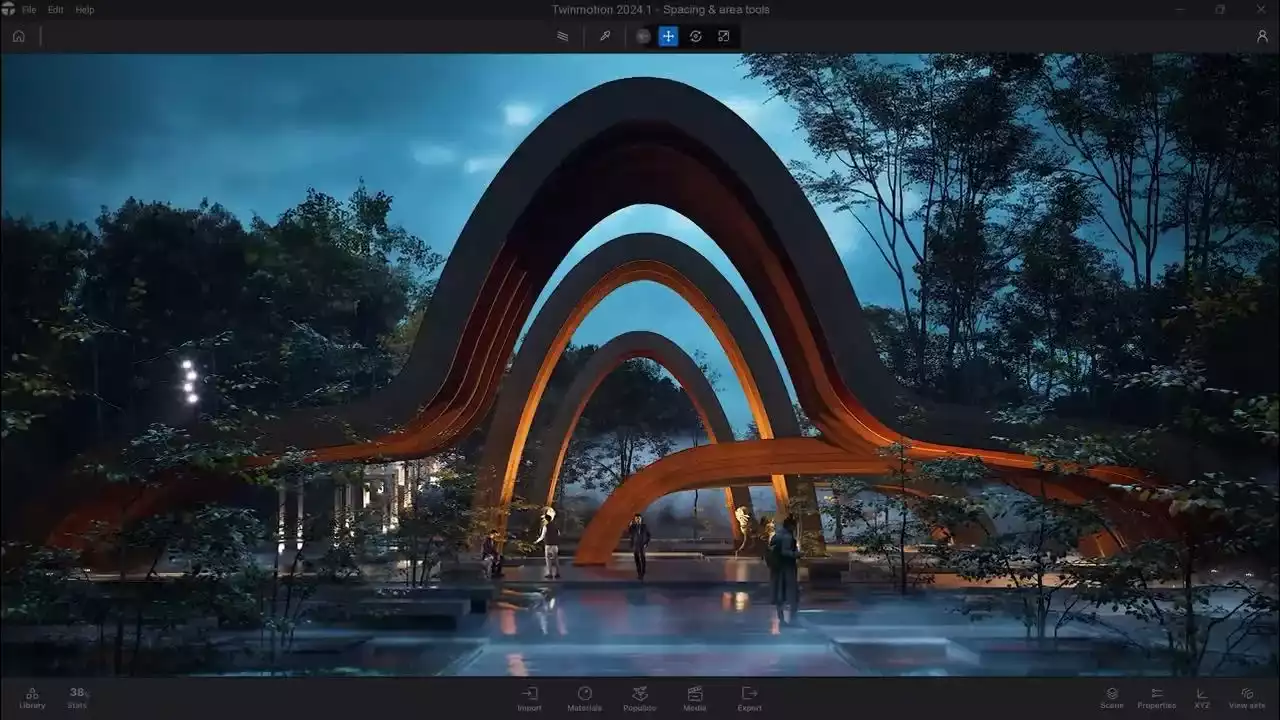


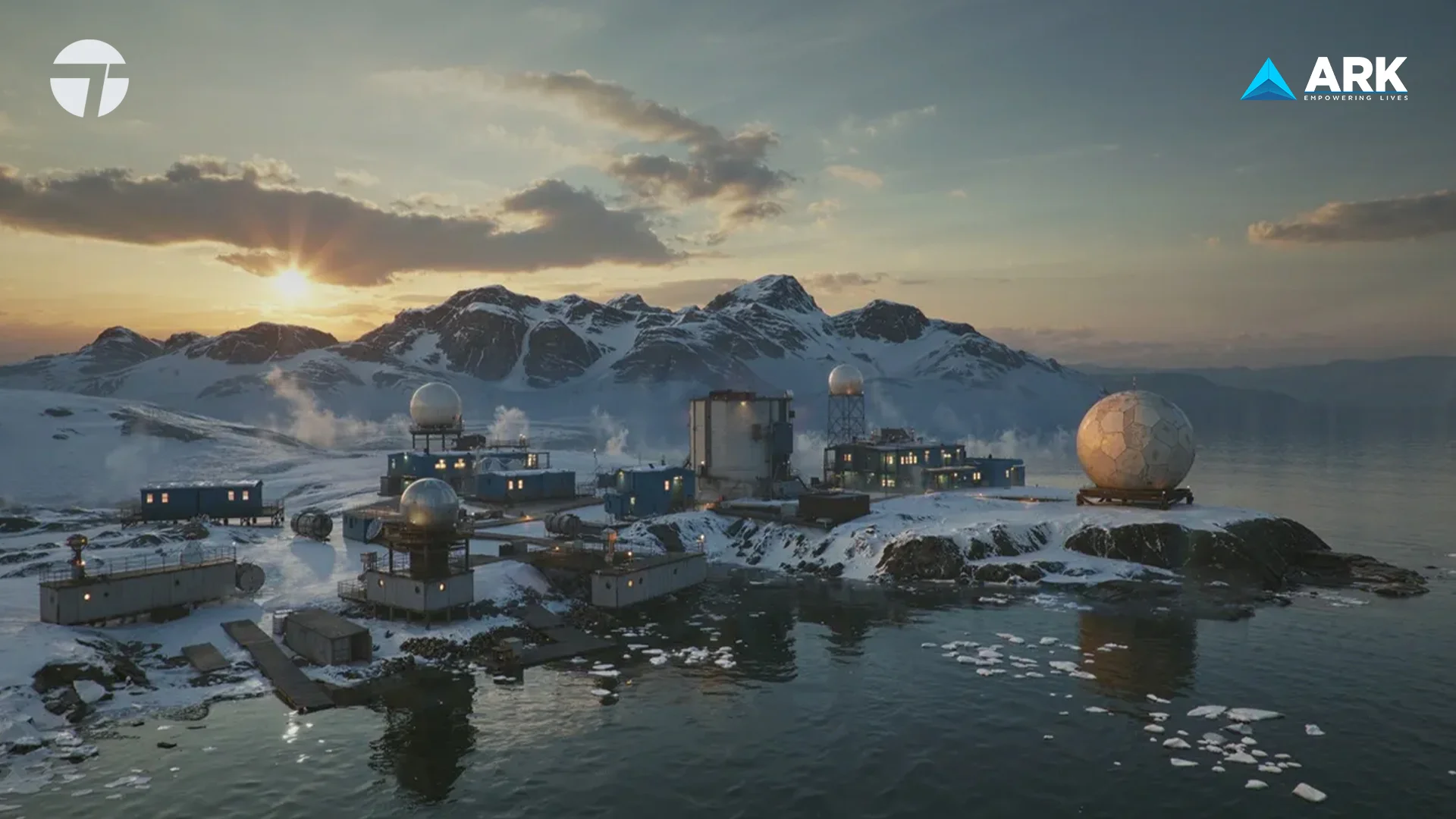

Twinmotion is a real-time visualization tool powered by Unreal Engine that enables architects, designers, filmmakers, and storytellers to quickly produce high-quality images, panoramas, standard or 360° VR videos, and interactive presentations from 3D data. It is compatible with major CAD and BIM platforms including Rhino, Revit, SketchUp, ArchiCAD, Vectorworks, 3ds Max, Cinema 4D, Navisworks, BricsCAD, SolidWorks, RIKCAD, CityEngine, FME, Forge, BIM 360, and many others.
Twinmotion Software in India - Authorized Distributor & Licensing Partner
ARK Infosolutions is an authorized Twinmotion distributor in India, supporting professionals and organizations with genuine Twinmotion licenses, pricing guidance, and deployment assistance.
We work with architecture firms, design consultancies, system integrators, educational institutions, and enterprise teams that require clarity around licensing models and predictable rollout across projects and locations.
What ARK supports:
- Official Twinmotion reseller in India.
- Guidance on Twinmotion license price and eligibility.
- Enterprise and academic licensing models.
- Installation, activation, and onboarding support.
- PAN India delivery and coordination.
This ensures Twinmotion is deployed correctly, remains compliant, and integrates smoothly into production environments.
What’s New in Twinmotion 2026.1
Twinmotion 2026.1 focuses on improving realism, control, and workflow continuity for visualization teams. The update introduces more accurate scene integration, refined rendering behavior, advanced camera controls, and better asset management. These enhancements support production environments where speed, visual accuracy, and repeatability are critical, while also reducing manual adjustments across iterative design stages. The release is particularly relevant for teams handling frequent design revisions, where maintaining visual consistency across versions is essential.
Key Features in Twinmotion 2026.1
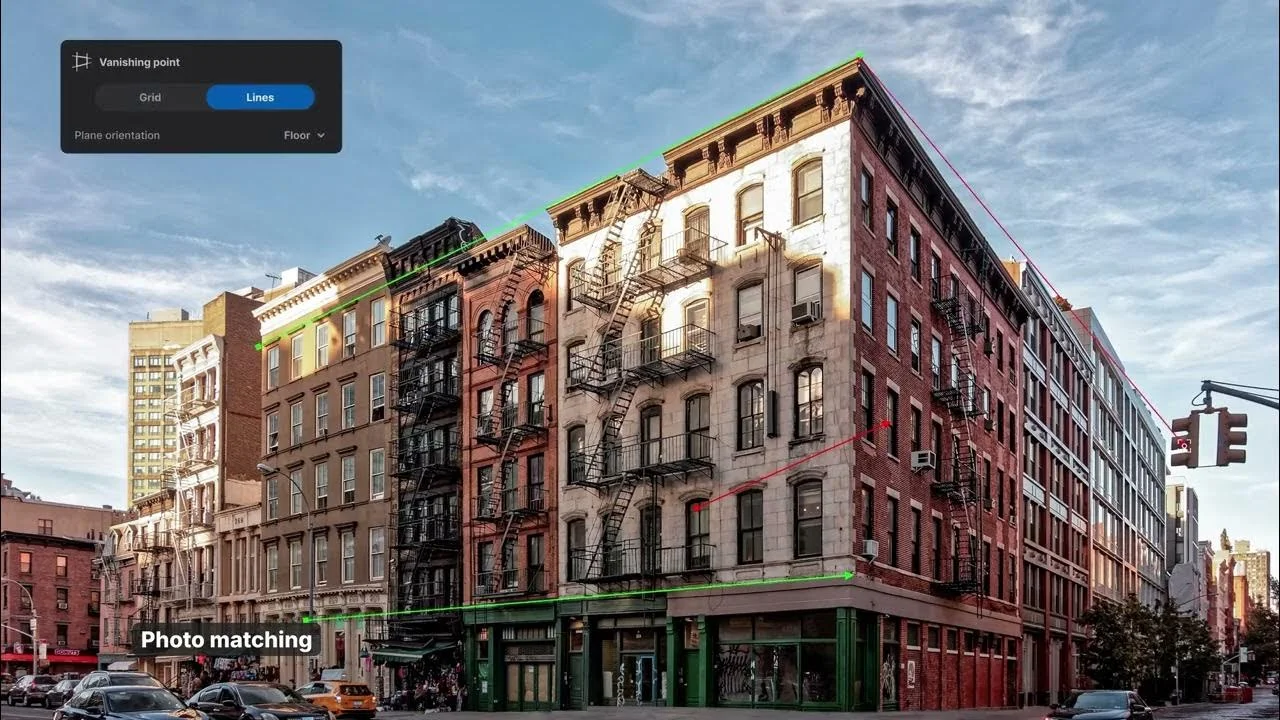
Photo Matching
Place 3D models into real-world images with accurate perspective alignment. The Match Perspective tool detects vanishing points and adjusts camera position and focal length automatically. Shadow projection onto the ground plane further improves visual integration. This enables faster client-ready visuals without requiring external compositing tools. It also improves decision-making during early design reviews by presenting concepts in a realistic, site-specific context.
Automatic Edge Softening
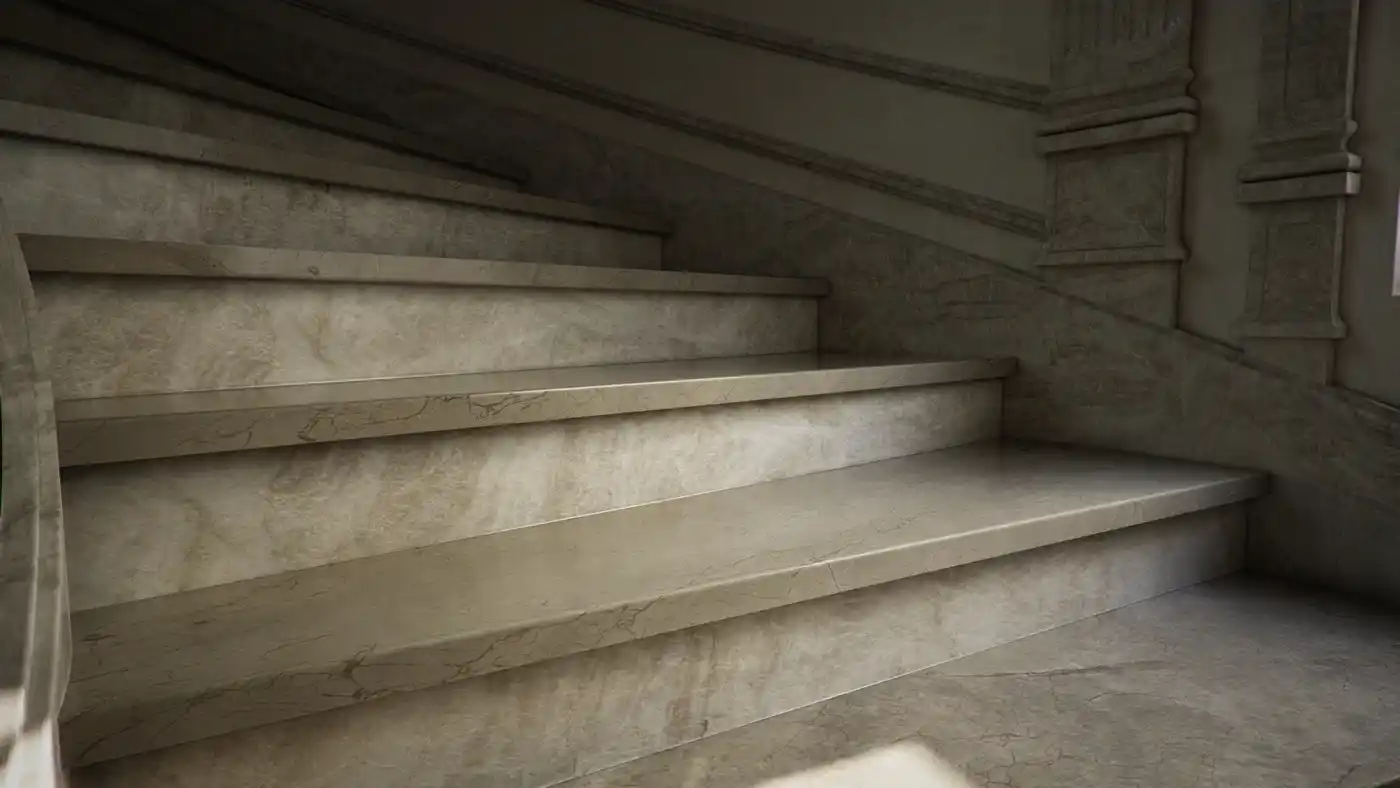
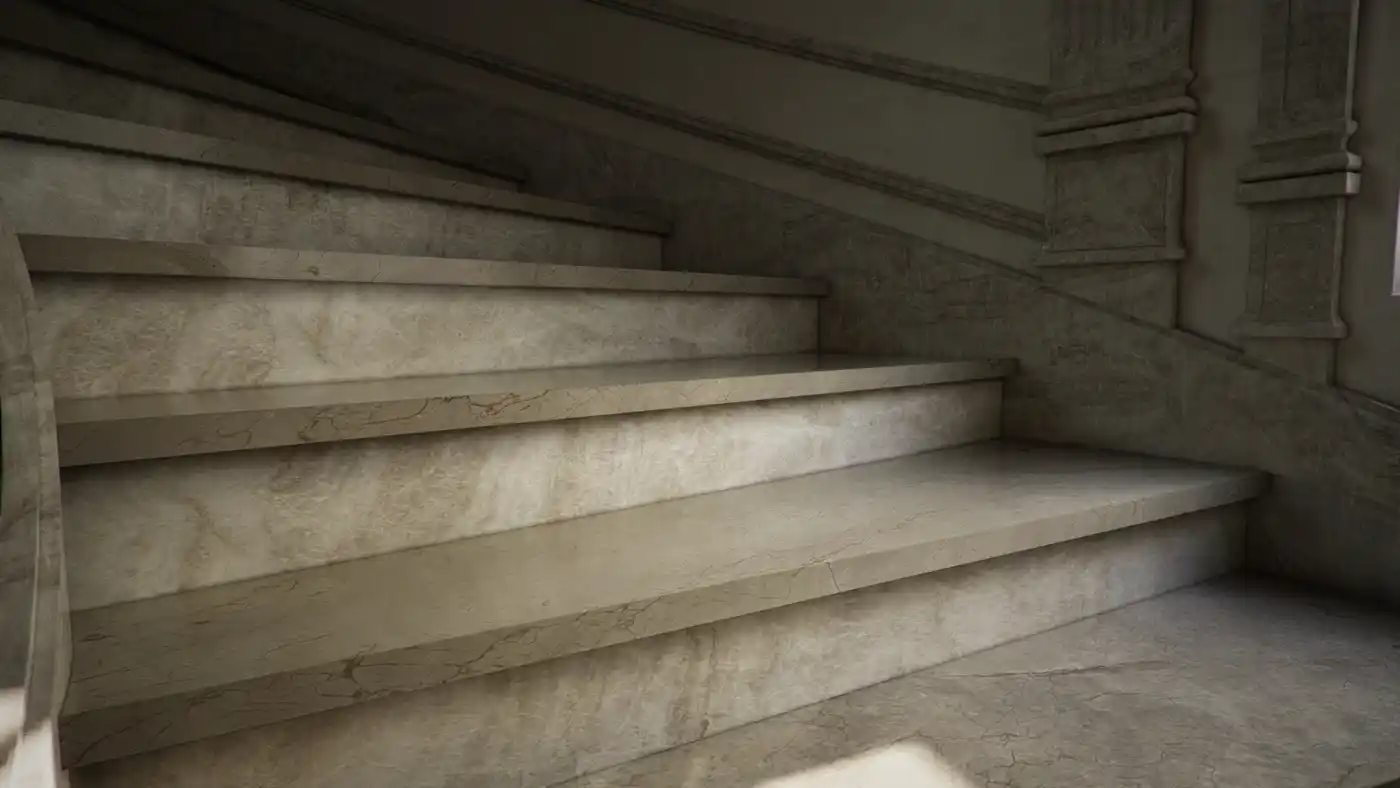
Reduce overly sharp geometry for more natural-looking renders. The Autosoft edge feature applies controlled edge rounding to selected objects, improving realism across Standard, Lumen, and Path Tracer modes. It helps bridge the gap between CAD precision and real-world material behavior without additional modeling steps. This is particularly useful for product and architectural elements where subtle edge variation significantly impacts perceived quality.
Lighting Channels
Control exactly how lights interact with objects. Lighting channels allow selective illumination, ensuring only assigned lights affect specific elements. This enables more structured lighting setups and reduces the need for scene duplication when testing multiple lighting scenarios. It also allows teams to isolate key subjects within complex scenes, improving clarity in both presentations and final renders.
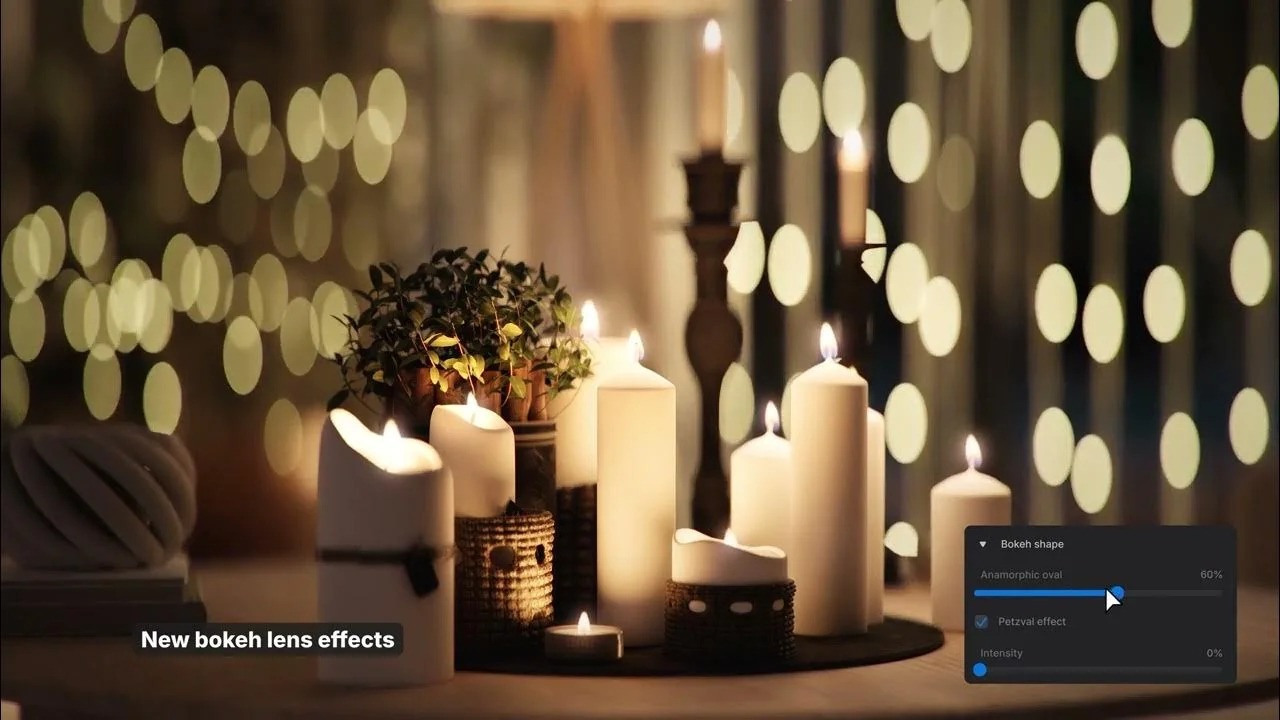
New Camera and Lens Effects
Enhance visual storytelling with improved camera behavior. Auto focus dynamically adjusts based on the camera view, while new bokeh types such as anamorphic and Petzval replicate real lens characteristics. Barrel distortion introduces subtle optical imperfections, helping achieve more cinematic and photorealistic outputs. These controls provide greater flexibility in framing, allowing users to simulate real-world cinematography techniques directly within the workflow.
New and Improved Particle VFX
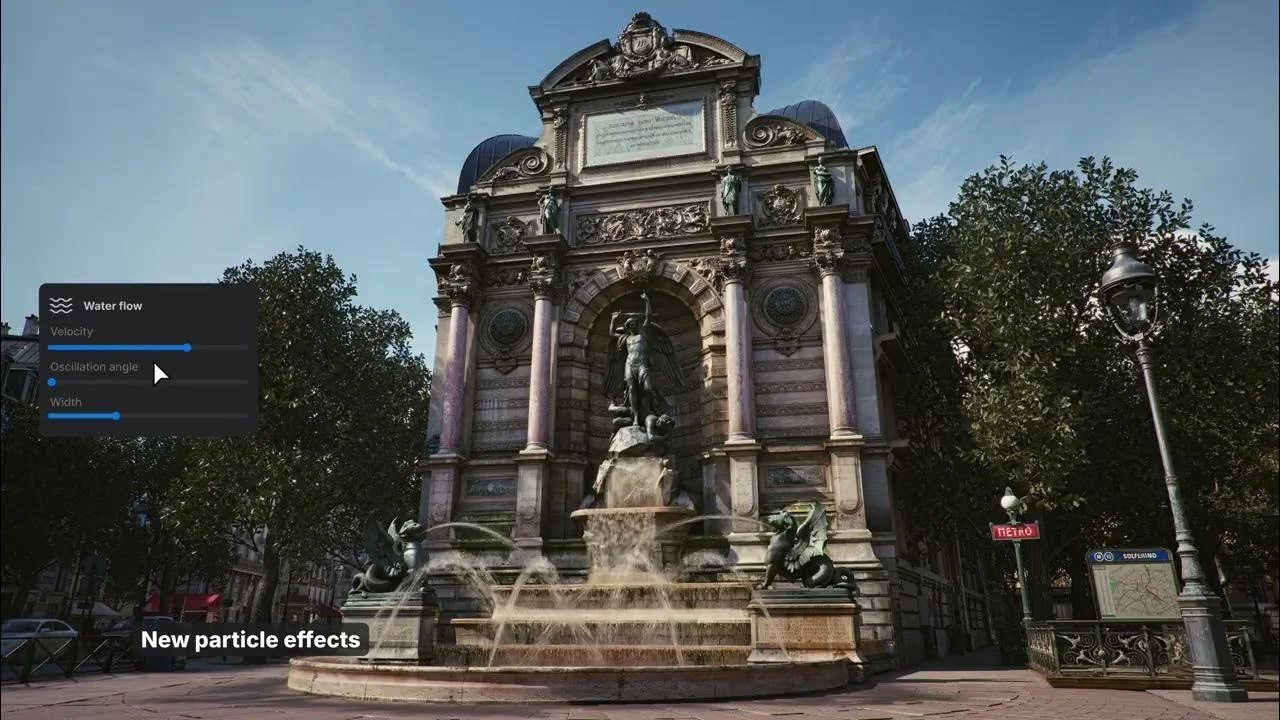
Create more dynamic environments with upgraded particle systems. Effects like fire, smoke, fog, and water are optimized for performance and now include adjustable parameters. This allows finer control over intensity, motion, and scale, making effects easier to adapt across different scene requirements. The improvements also ensure smoother playback and interaction, even in complex scenes with multiple active effects.
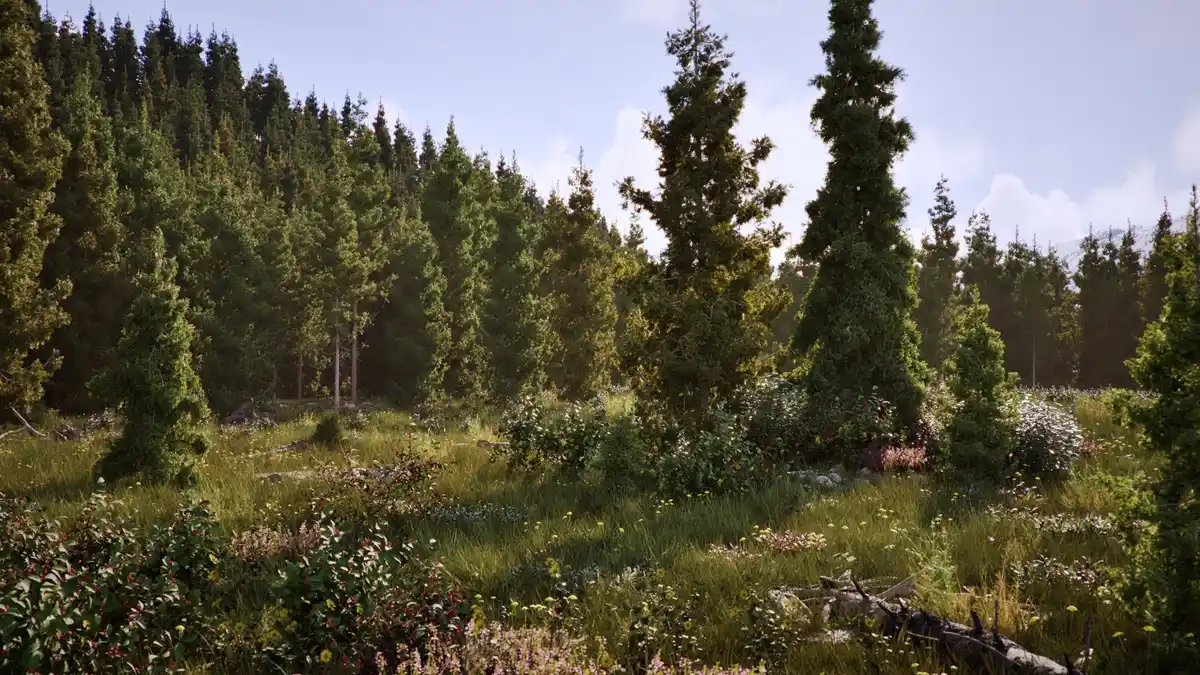
European Tree Pack
Expand environmental detail with new vegetation assets. The update adds 10 European tree species, each with multiple variations. This improves scene diversity and helps create more regionally accurate landscapes without relying on external asset libraries. The added variation supports more natural distribution and reduces visual repetition in large-scale outdoor environments.
Persistent File Location
Simplify asset management across versions. Libraries now follow a persistent folder structure, ensuring that assets remain accessible without manual migration or duplication. This reduces version conflicts and supports smoother collaboration across teams and projects. It also minimizes downtime during upgrades, allowing teams to continue working without restructuring their existing asset libraries.
FAQ's
To enquire about Twinmotion software in India, you can contact ARK Infosolutions by submitting an enquiry through the website or emailing twinmotion@arkinfo.in. The team assists with licensing options, deployment guidance, training, and technical support.
ARK Infosolutions supports Twinmotion users in India with installation assistance, technical troubleshooting, workflow guidance, and training coordination. This helps teams adopt Twinmotion effectively within real architectural and design environments.
Yes. ARK Infosolutions assists with integrating Twinmotion into existing design workflows and provides guidance on system requirements and hardware configuration to ensure smooth real-time performance on complex projects.
Yes. Twinmotion supports direct synchronization with popular design tools such as Revit, Archicad, SketchUp, and other BIM and CAD platforms. This allows design updates to be reflected in Twinmotion visualizations in real time.
Twinmotion is used by architects, interior designers, urban planners, landscape designers, construction professionals, educators, and students. It supports both professional practice and academic use for real-time architectural visualization and presentation.
Twinmotion is a real-time visualization software powered by Unreal Engine. It is used to create high-quality images, videos, walkthroughs, and immersive presentations directly from 3D design data, primarily for architecture, construction, and design workflows.
ARK Infosolutions is the authorized value-added distributor and reseller for Twinmotion in India. ARK supports architects, designers, and organizations with Twinmotion licensing guidance, deployment support, training coordination, and post-sales technical assistance across India.
RELATED BLOGS
Inside India’s Creative Boom: How Value-Added Distribution Is Fueling the Next Generation of Creators
Inside India’s Creative Boom: How Value-Added Distribution Is Fueling the Next Generation...
The Impact of AI and Automation on Media Production: ARK Infosolutions as the Gateway to Advanced Technology

The Impact of AI and Automation on Media Production: ARK Infosolutions as the Gateway to A...
-min.webp)

 (1)-min.webp)
Got any queries?
We are here to answer