
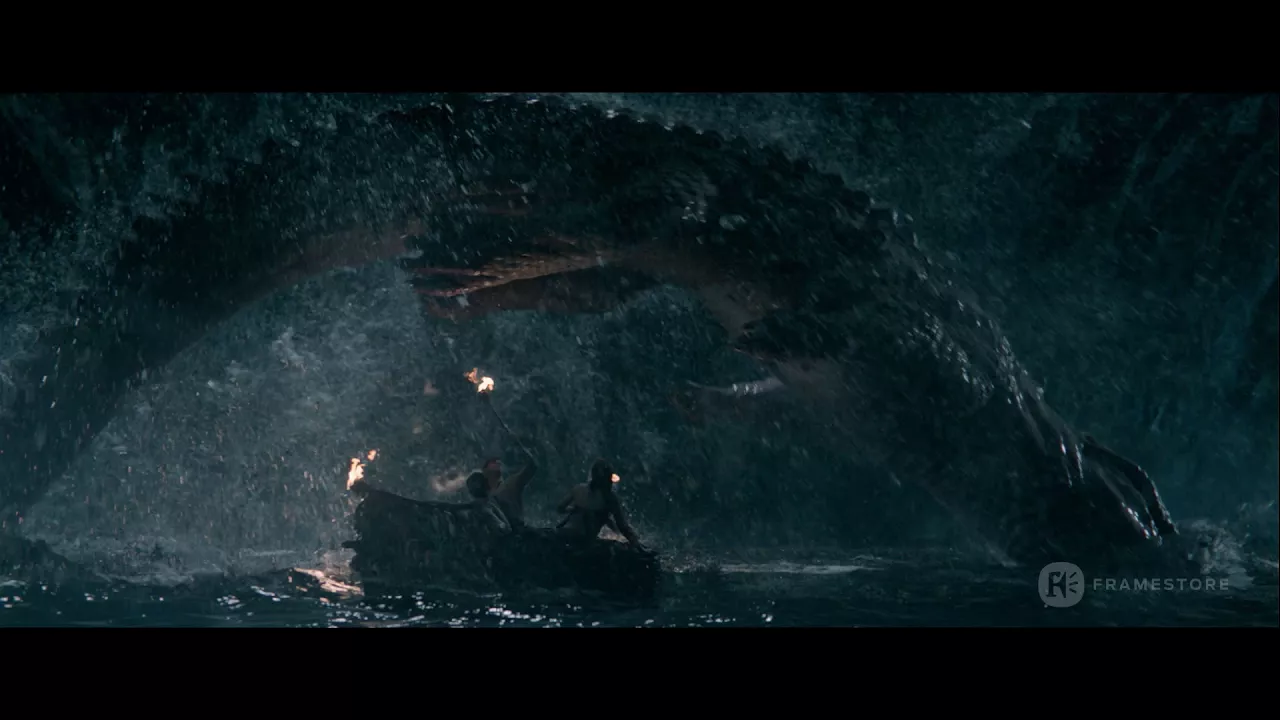
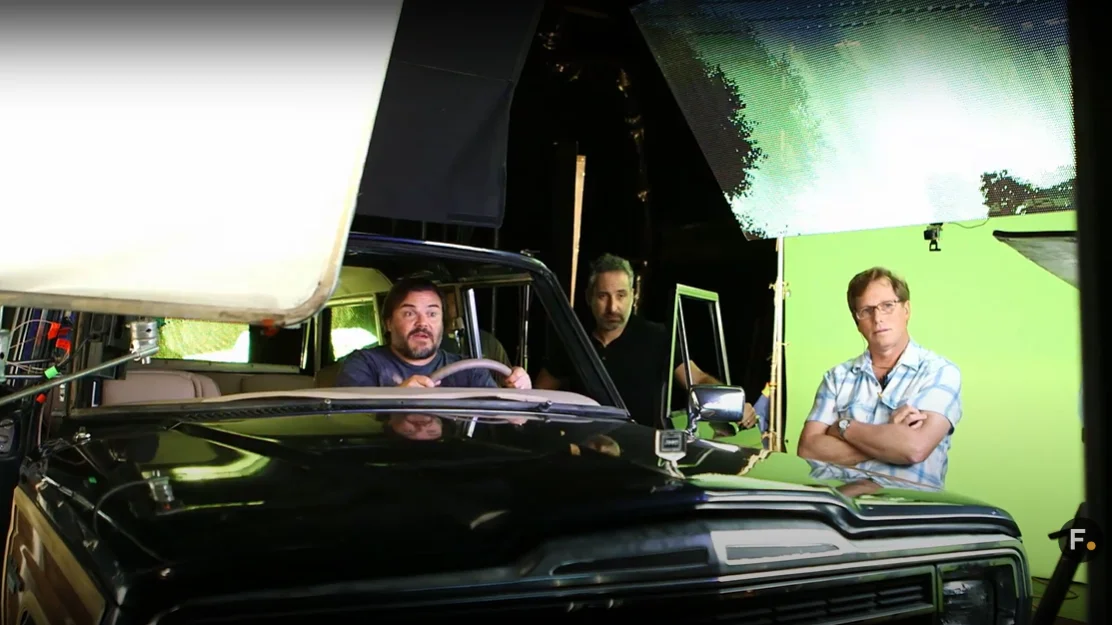
Foundry is a global leader in VFX, pre-visualization, and post-production software, enabling studios and artists to push creative boundaries. Since 1996, its award-winning tools have been trusted by leading studios including ILM, DNEG, Pixar, Marvel, and Netflix, and have powered every VFX Oscar-winning film of the past decade. Spanning VFX compositing, 3D texturing, motion graphics, and VR compositing, Foundry’s solutions streamline animation and post-production workflows with a focus on speed, visual quality, and production efficiency.
Pioneering Software For Creative Industries
For over 25 years, Foundry has delivered cutting-edge VFX, color grading, and post-production software, streamlining workflows for seamless creativity. From feature films and episodic content to commercials, our industry-leading solutions including best-in-class compositing, Hollywood VFX, and VR content creation tools empower artists to craft extraordinary visual experiences.
Next-Gen Compositing and 3D Lighting Tools for Unmatched Visual Effects
About Nuke
Nuke is the industry’s premier compositing software, trusted by leading studios and artists worldwide to create stunning visual effects and high-quality post-production. Its powerful node-based workflow, robust 3D compositing capabilities, and seamless integration make it an indispensable tool for creative professionals pushing the boundaries of VFX.
Why Nuke?
Foundry Nuke empowers artists and studios to achieve unparalleled creative control and efficiency in VFX production. With its cutting-edge features, including machine learning-powered tools, multi-shot management, and advanced 3D capabilities, Nuke revolutionizes the way artists work on complex, high-quality projects. The seamless collaboration features and streamlined review workflows make it the go-to solution for teams looking to accelerate production without compromising quality.
Nuke Products
The Nuke Family offers a comprehensive ecosystem of tools designed to meet the unique demands of modern VFX and compositing:
SmartRoto
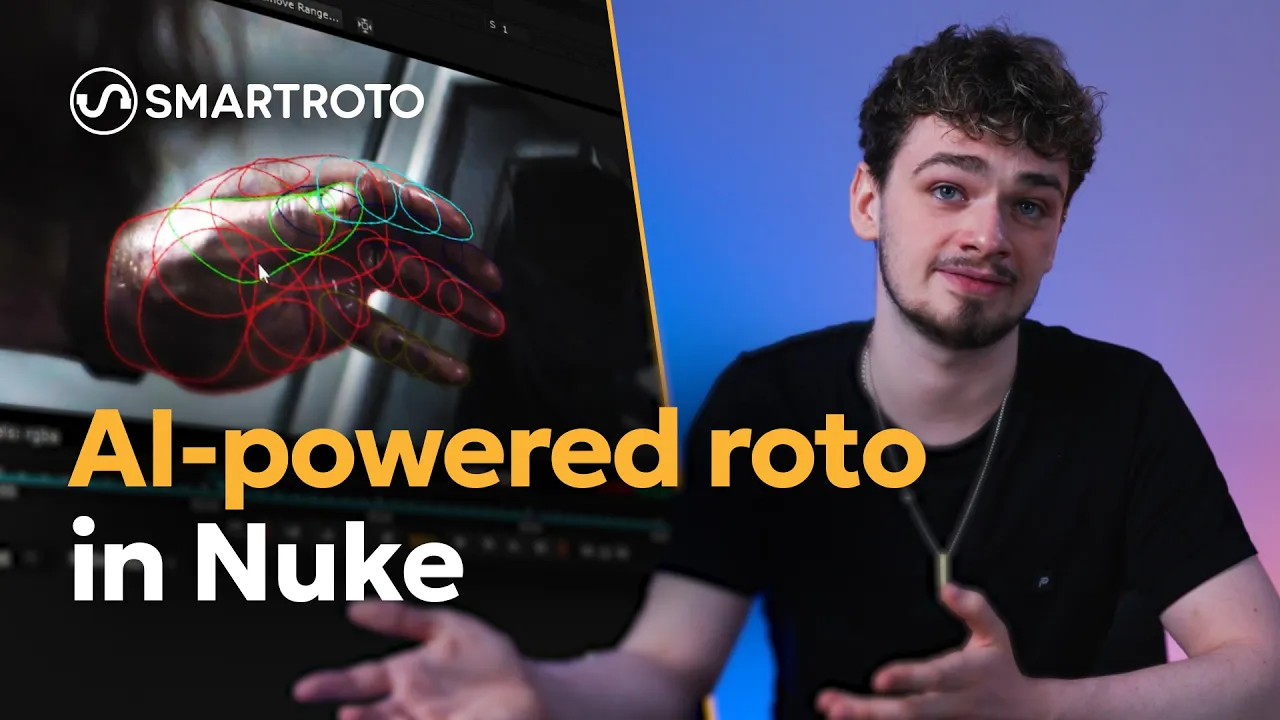
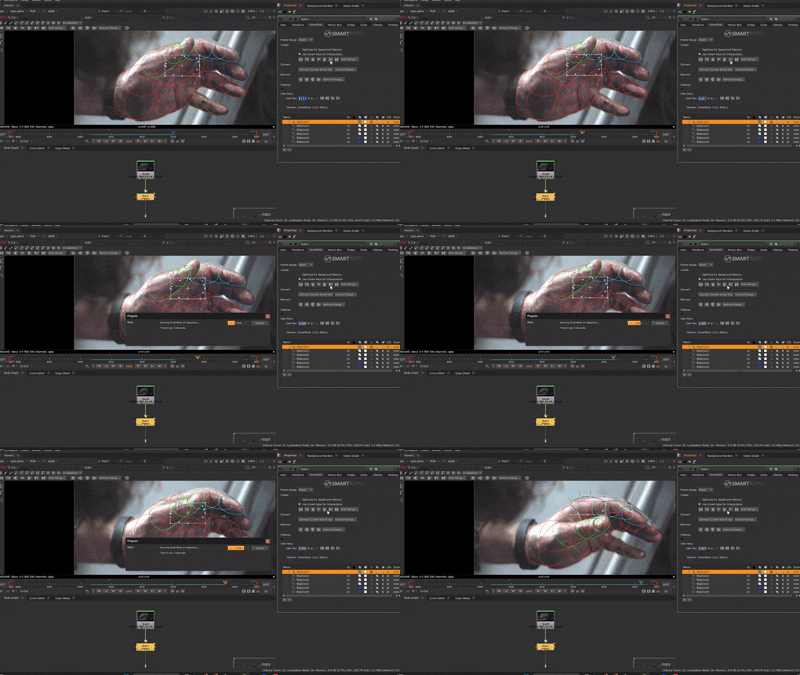
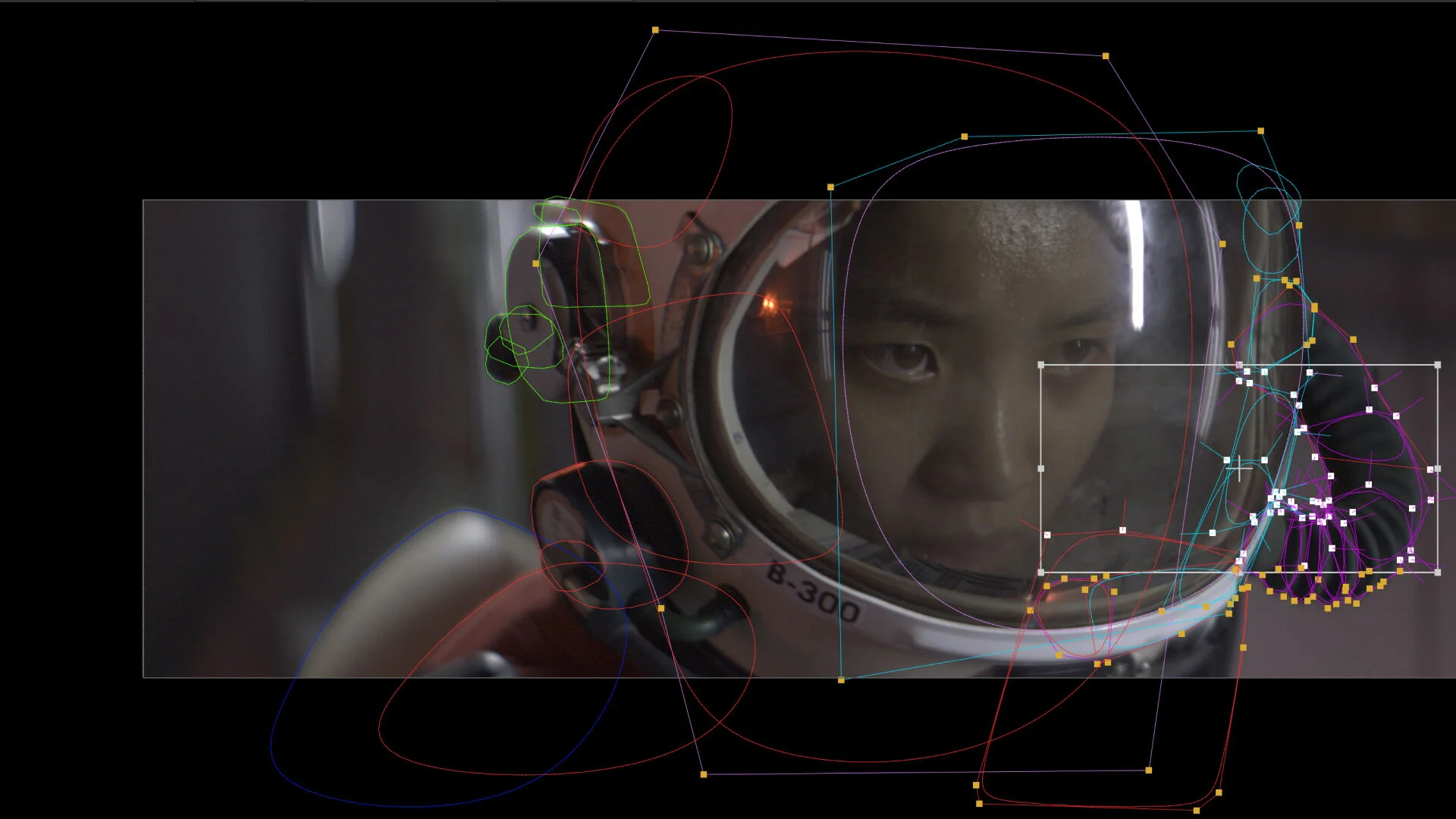
Roto, reimagined. SmartRoto is the AI-powered upgrade to Nuke's Roto node that gets you to the finish line up to 4x faster, handling the repetitive grind so artists can focus on the craft. Trained exclusively on licensed data and built for full commercial safety, it runs entirely on-premise, with Floating or Team-Login licenses ready for your studio.
Nuke
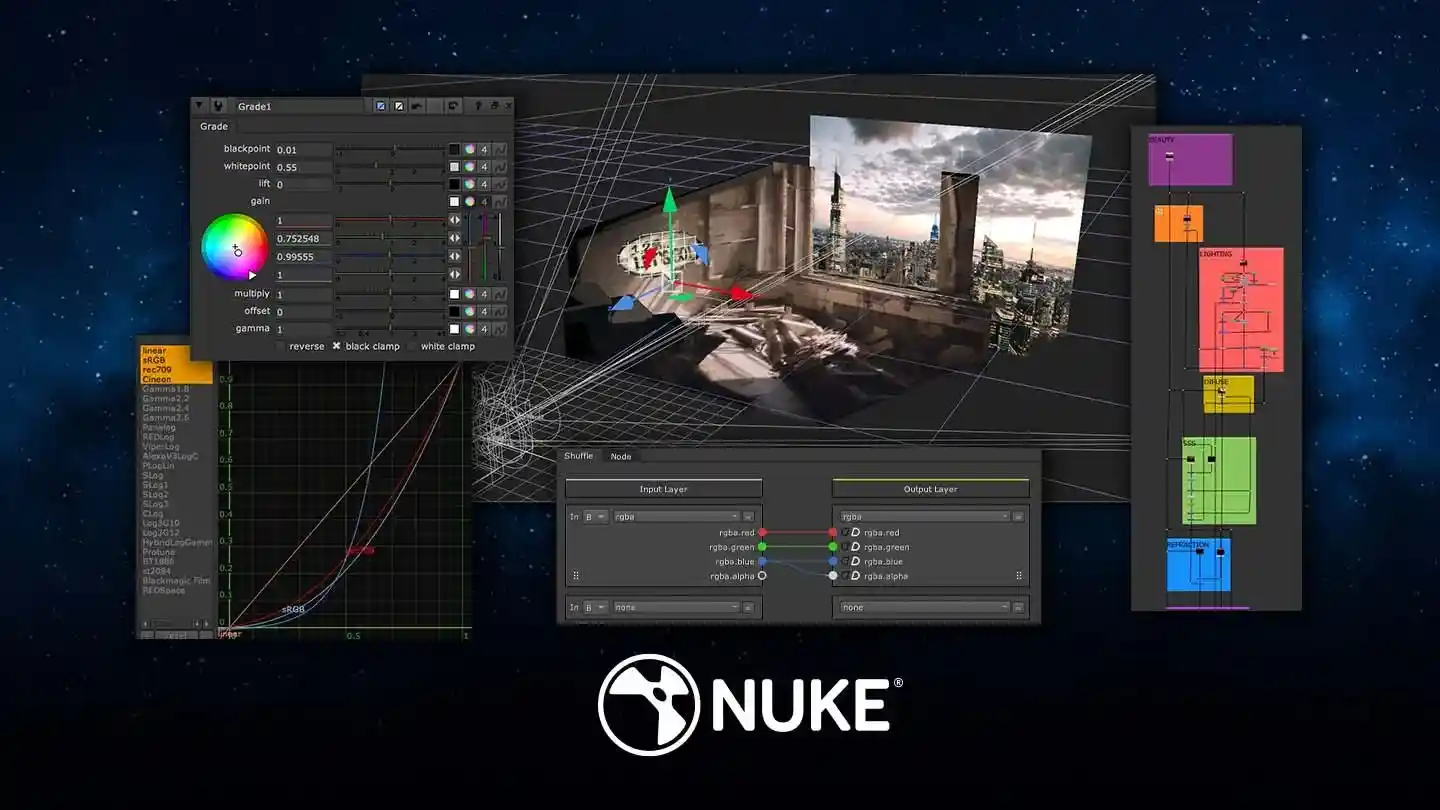
The core powerhouse of the family, offering a scalable, node-based compositing toolkit with over 200 nodes, an integrated 3D environment, and deep compositing tools for complex visual effects.
NukeX
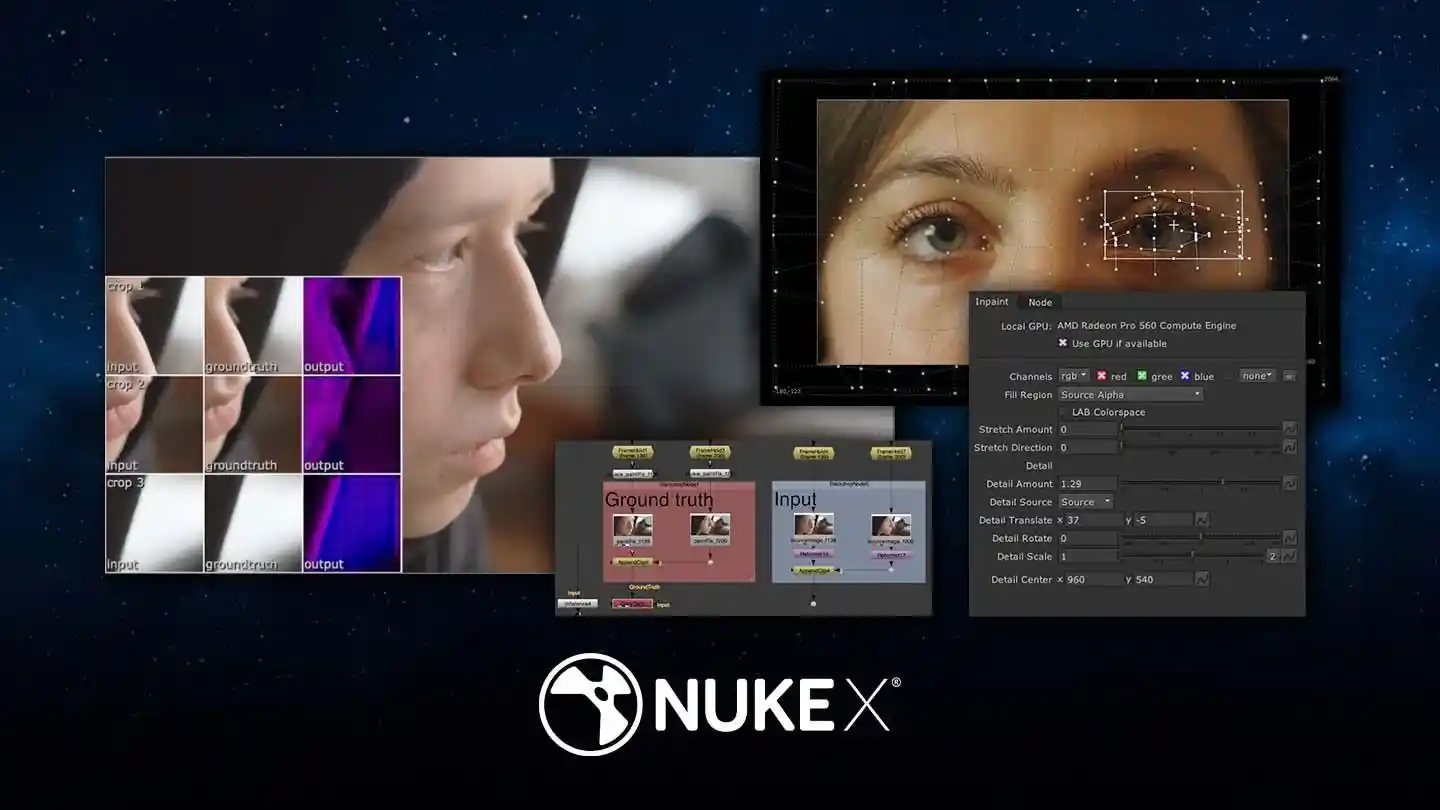
Extends Nuke’s capabilities with advanced 3D camera tracking, clean-up tools, and machine learning integration, empowering artists to enhance creative output while reducing manual effort.
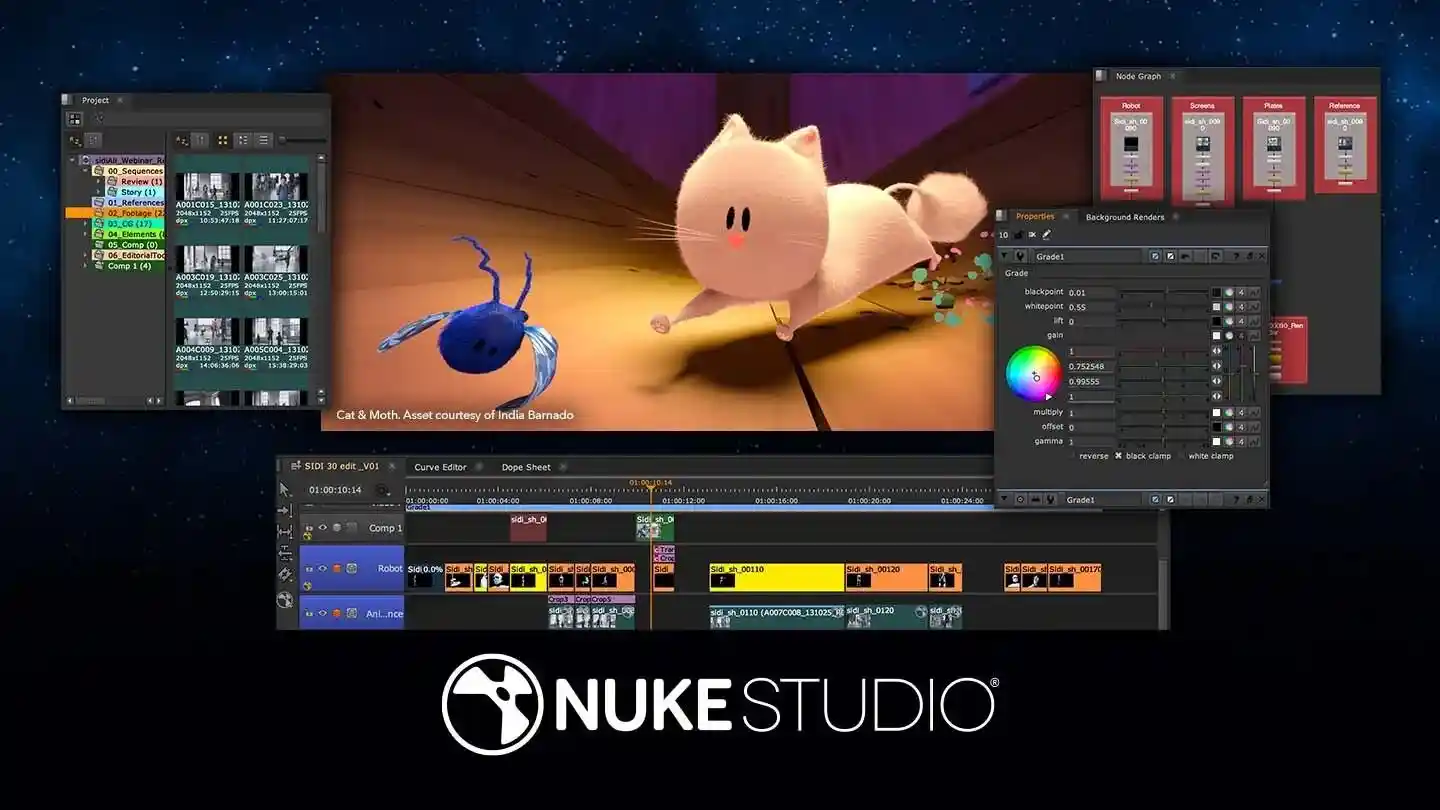
Nuke Studio
Combines compositing, editorial, and review into one application, providing a dynamic multi-track editorial timeline and procedural export system to streamline multi-shot workflows and deliver projects faster.
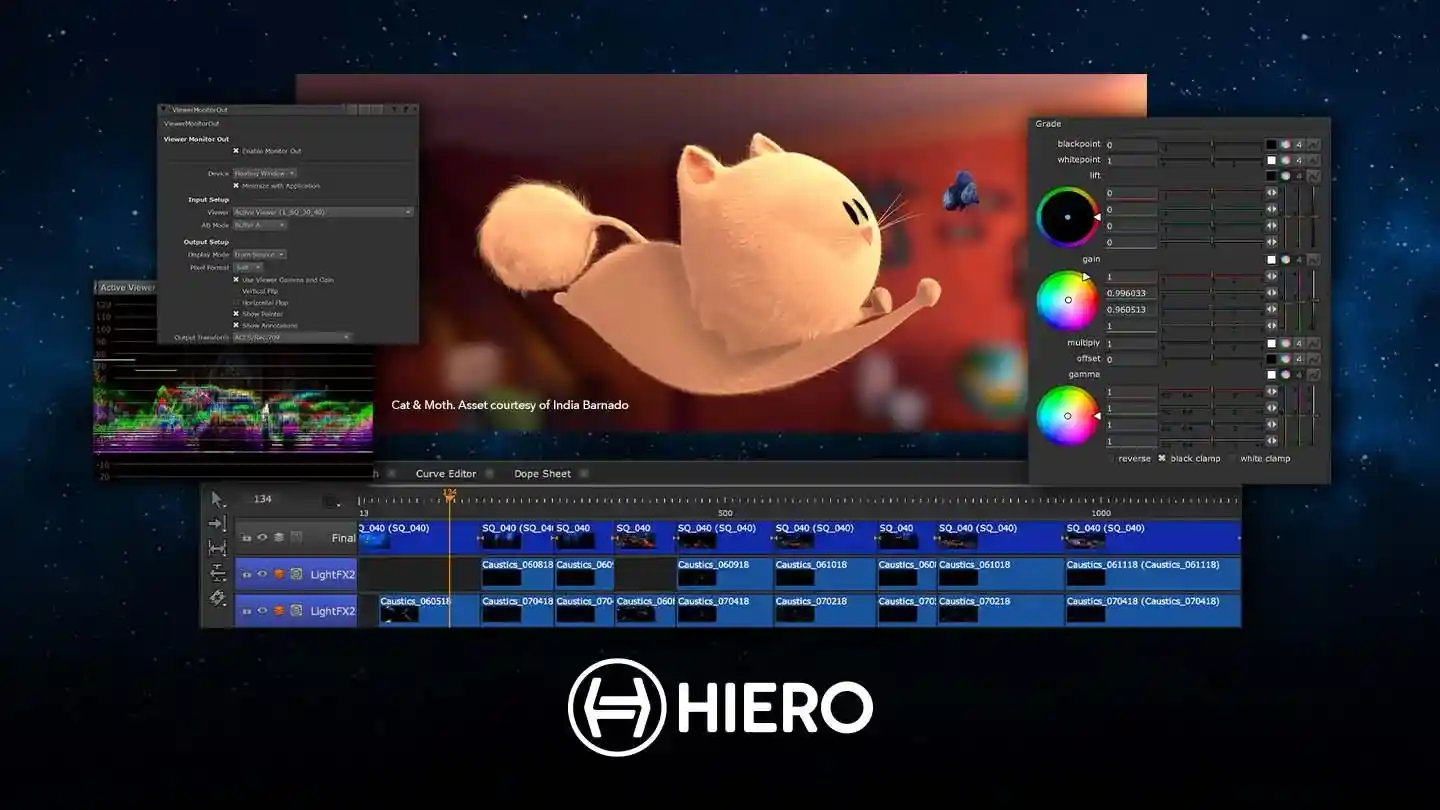
Hiero
A robust tool for multi-shot management, conform, editorial, and review, offering a customizable timeline and powerful integration with the Nuke Family to maximize efficiency and collaboration.
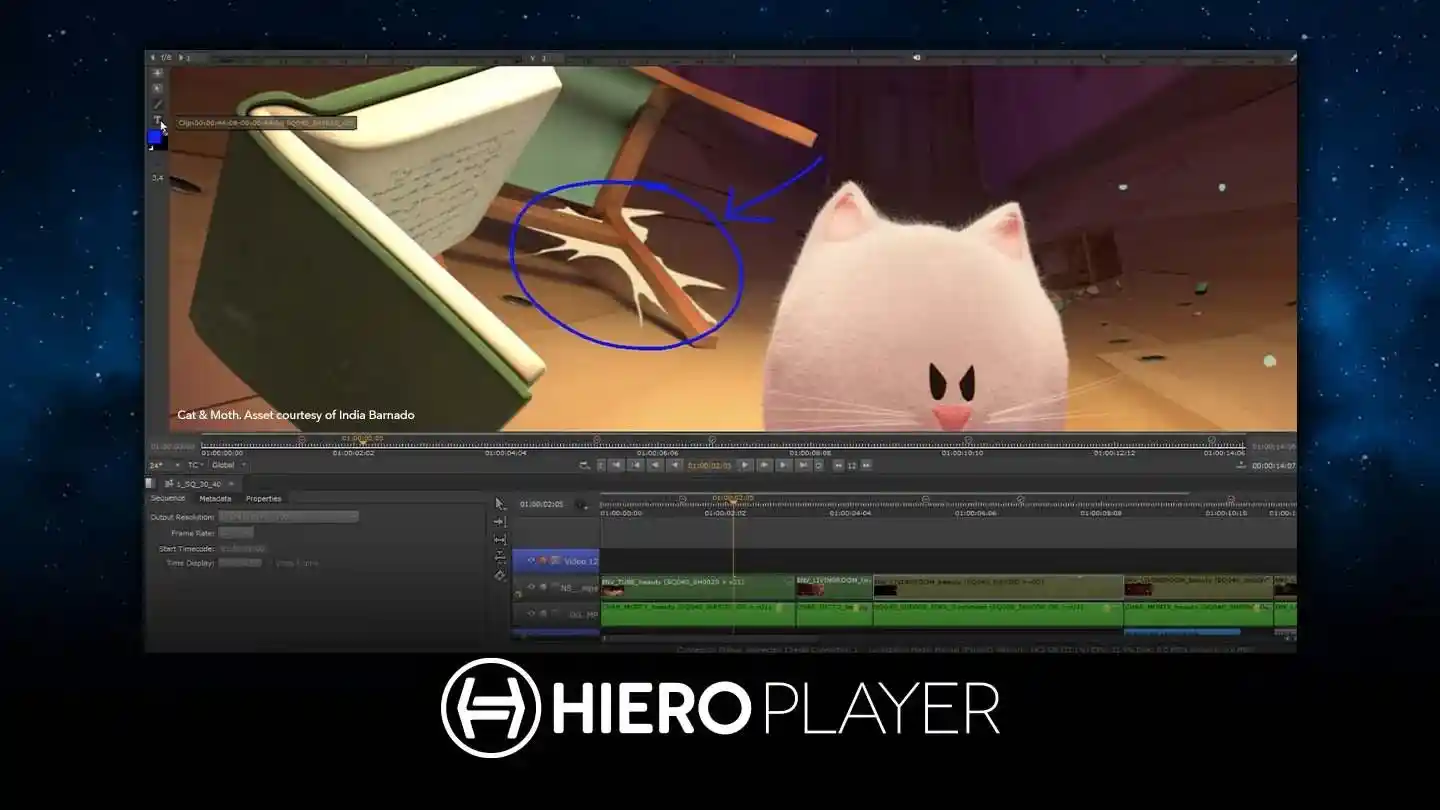
HieroPlayer
A desktop review tool that enables artists to review shots in context and compare render versions quickly, enhancing quality control and feedback cycles.
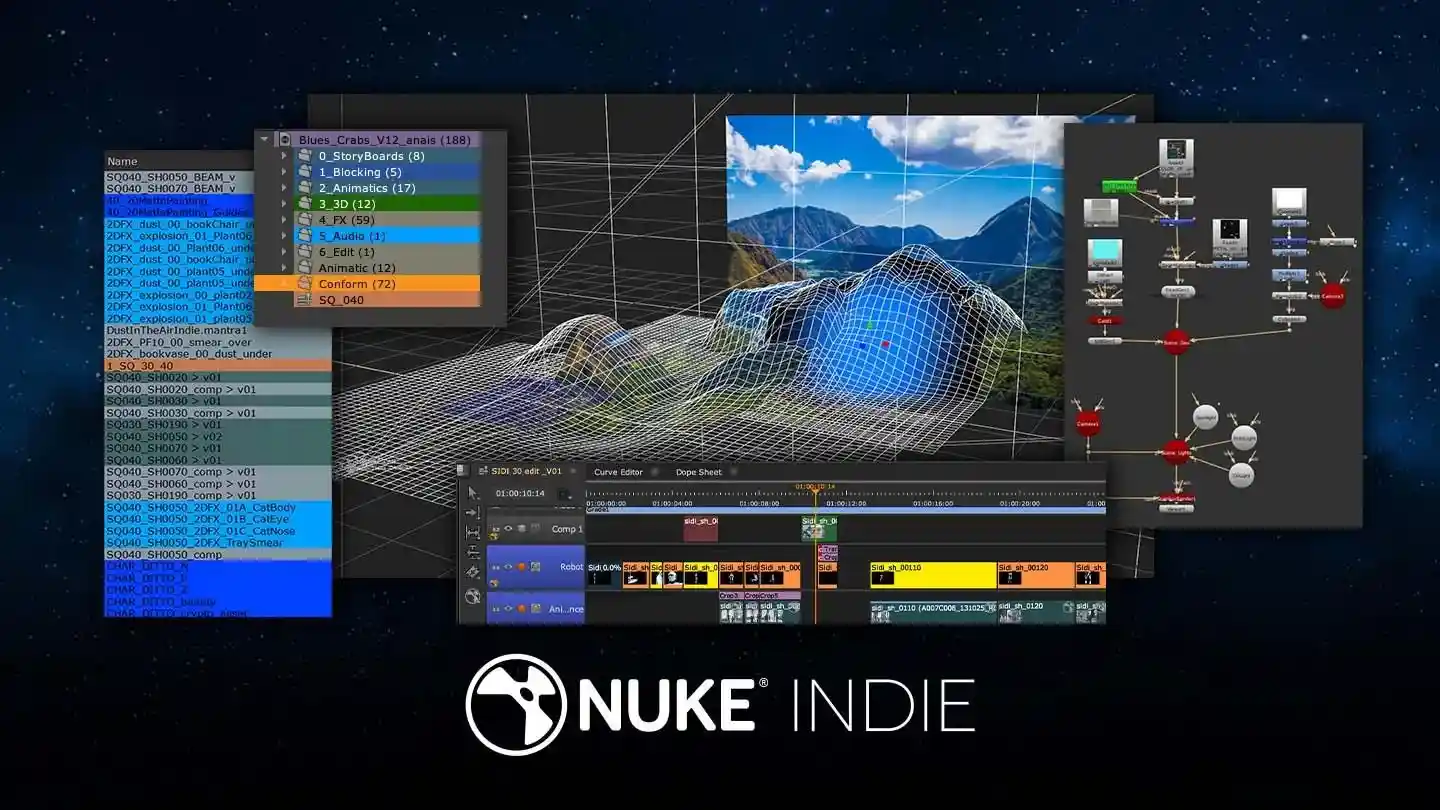
Nuke Indie
Tailored for independent artists, offering the power of Nuke Studio at an affordable price, perfect for creating professional-grade VFX with just a few limitations.
What’s New
New technologies. New tools. New techniques.
Nuke 17.1
Nuke 17.1 builds on its modern 3D and compositing capabilities with improved Gaussian Splats workflows, faster review preparation, enhanced image fidelity, non-destructive USD roundtripping, and stronger pipeline support. With sequence-aware Contact Sheets, expanded annotation tools, EXR channel control, and updated platform support, this release gives VFX artists greater control across compositing, 3D, review, and production workflows.
Key Features of Nuke 17.1
- Gaussian Splats: Relight, animate, integrate, and export Splats within Nuke’s 3D system.
- Modernized 3D System: Faster USD workflows, Hydra 2.0 support, and non-destructive roundtripping.
- Faster Review: Sequence-aware Contact Sheets, shot comparison, and improved review preparation.
- Enhanced Image Fidelity: Improved preview quality with Bilinear filtering and Monitor Out Interactive Mode.
- EXR Channel Control: Manage loaded EXR channels with expression-based filters.
- Pipeline & Platform Support for BMD Raw 5.1, Apple ProRes RAW, ARRI formats, and updated production standards.
About Griptape
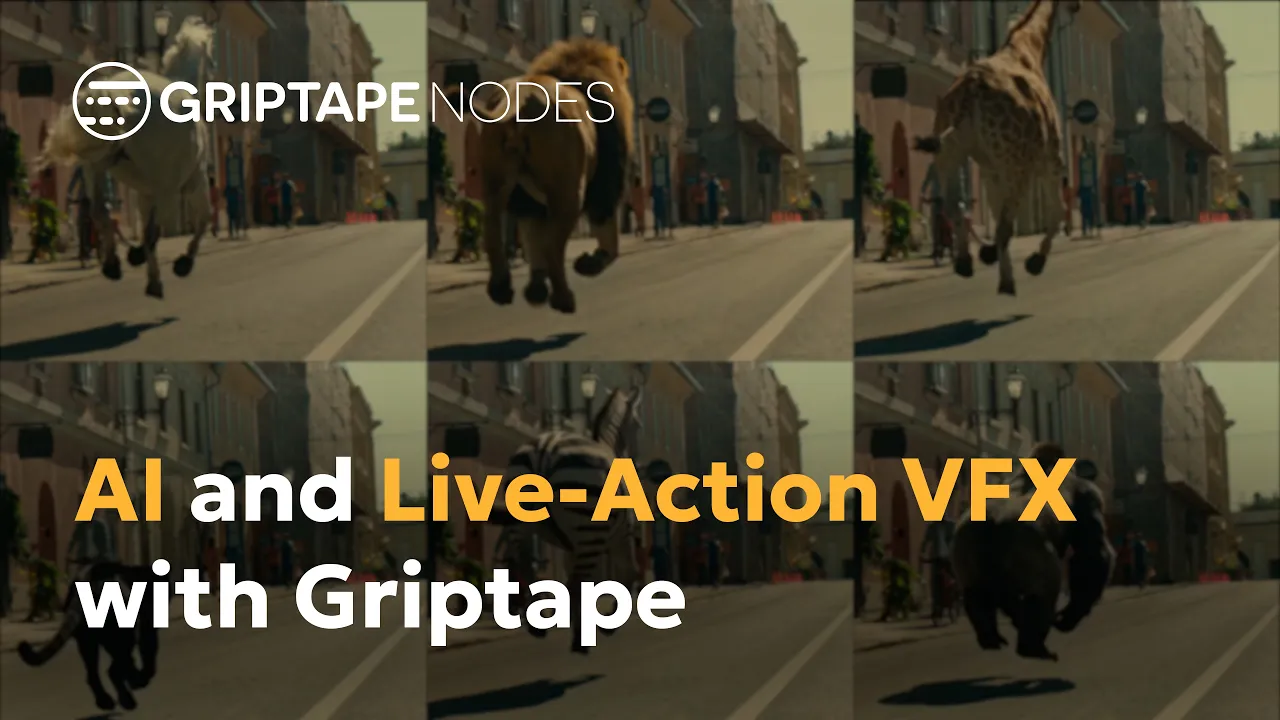
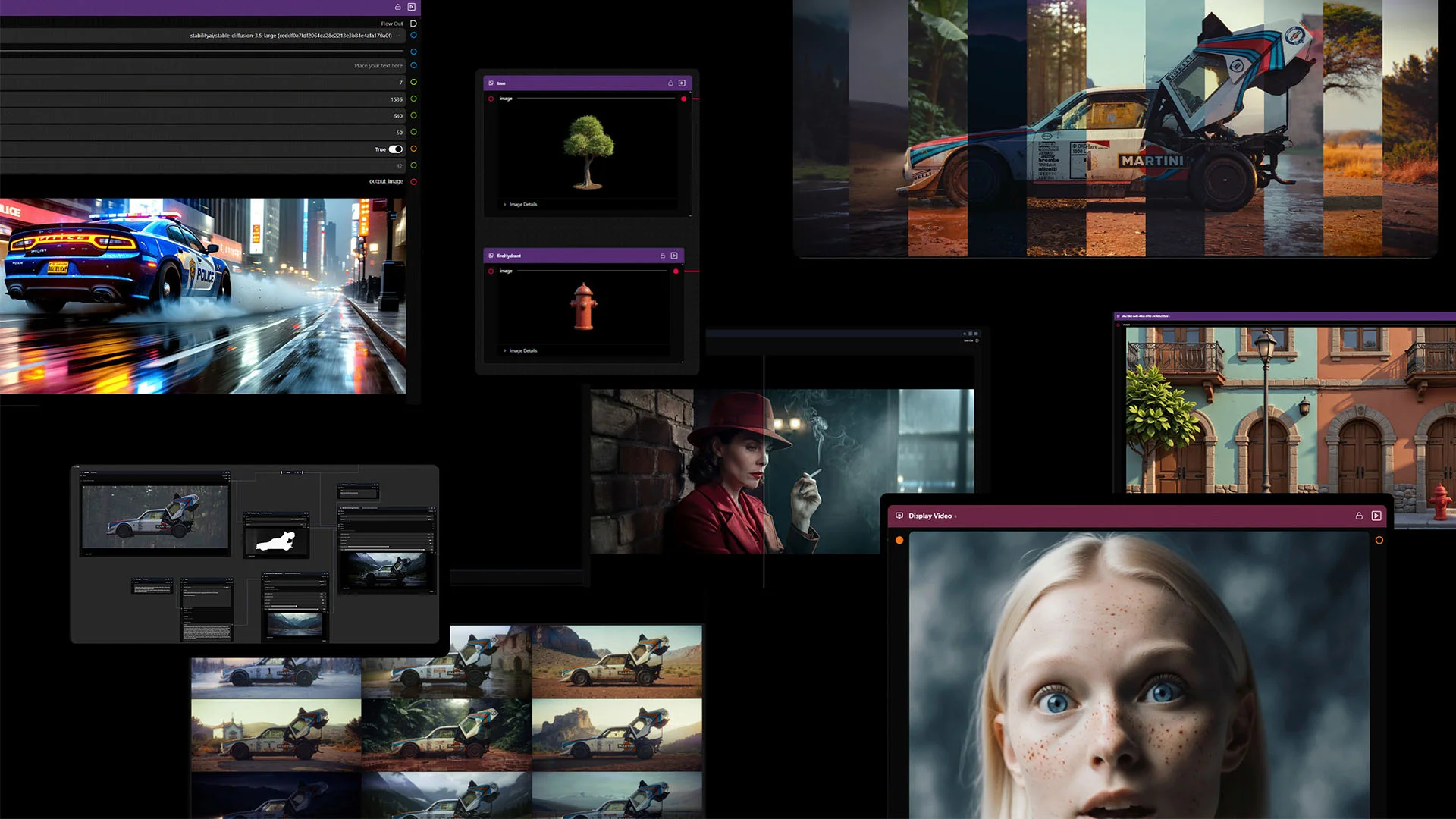
Griptape is Foundry's AI orchestration platform, built to help studios harness multiple AI models and agents within secure, professional workflows that connect directly with existing Foundry toolsets. It gives studios controlled access to fast-moving AI models while meeting the strict security and traceability standards of major production environments. Comprising Griptape Nodes, the Griptape Framework, and the Griptape Engine, it lets teams move from experimentation to production-grade AI automation without compromising on pipeline control.
Why Griptape?
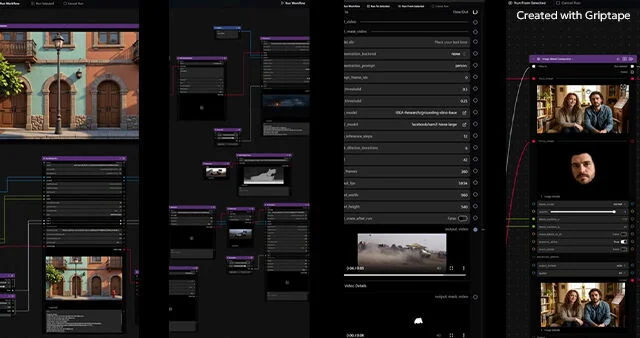
Built for the way you work
A studio-friendly license with easy-to-customize models keeps you current with the latest developments in AI, without breaking your existing workflows or pipeline.
Secure for your unique needs
Deploy Griptape in the cloud or on-premise, keeping all IP and model execution behind your firewall when required.
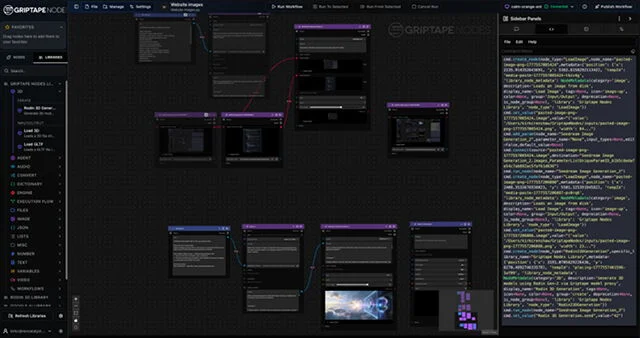
Controllable, trackable, scalable, and flexible
Use proven workflows out of the box or customize and build your own in Python. Full versioning and control ensure reliability and consistency at every step.
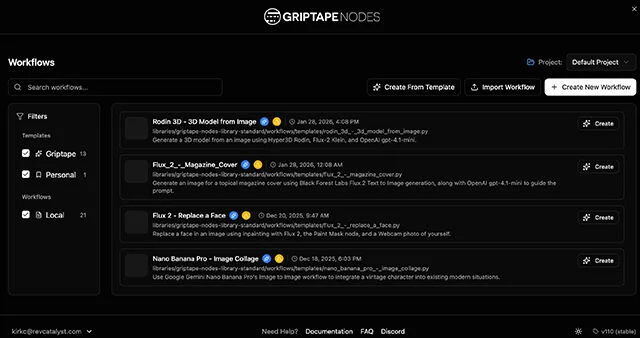
Get started quickly
A familiar node-based UI, a ready node library, and built-in assistants help teams automate technical tasks and get productive fast.
Griptape Features
Secure, scalable AI orchestration built for the studio pipeline.
- Studio-friendly: Licenses built for the way you operate, with control over user permissions.
- Secure: Run Griptape on-premise and behind your firewall, with full visibility into work done in your instance.
- Traceability: Complete transparency into AI-driven workflows, ensuring repeatable, controllable processes.
- Scalable: Expand users and inputs easily and securely as Griptape grows with your studio.
- Flexible: Edit prompts from the node library or build your own for workflows tailored to your needs.
- Artist-friendly UI: A familiar node-based interface lets artists get started with Griptape quickly.
- Pipelineability: Griptape integrates securely and easily into existing pipelines, reducing friction and speeding up adoption.
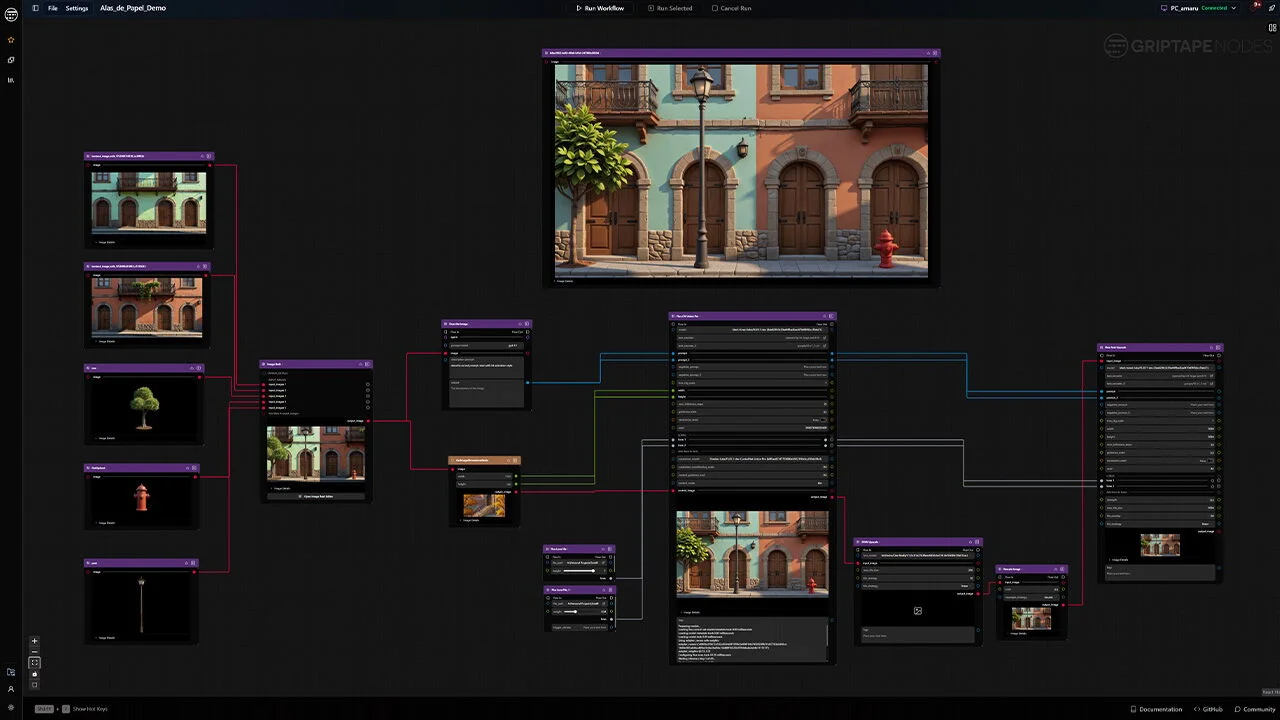
About Katana
Katana is a powerful look development and 3D lighting software designed to streamline complex CG-rendering projects. Renowned for its scalability and creative freedom, it equips artists with innovative tools to tackle creative challenges with unmatched efficiency. Whether working on blockbuster films or high-end animations, Katana empowers studios and artists to achieve outstanding visual quality through fast and flexible workflows.
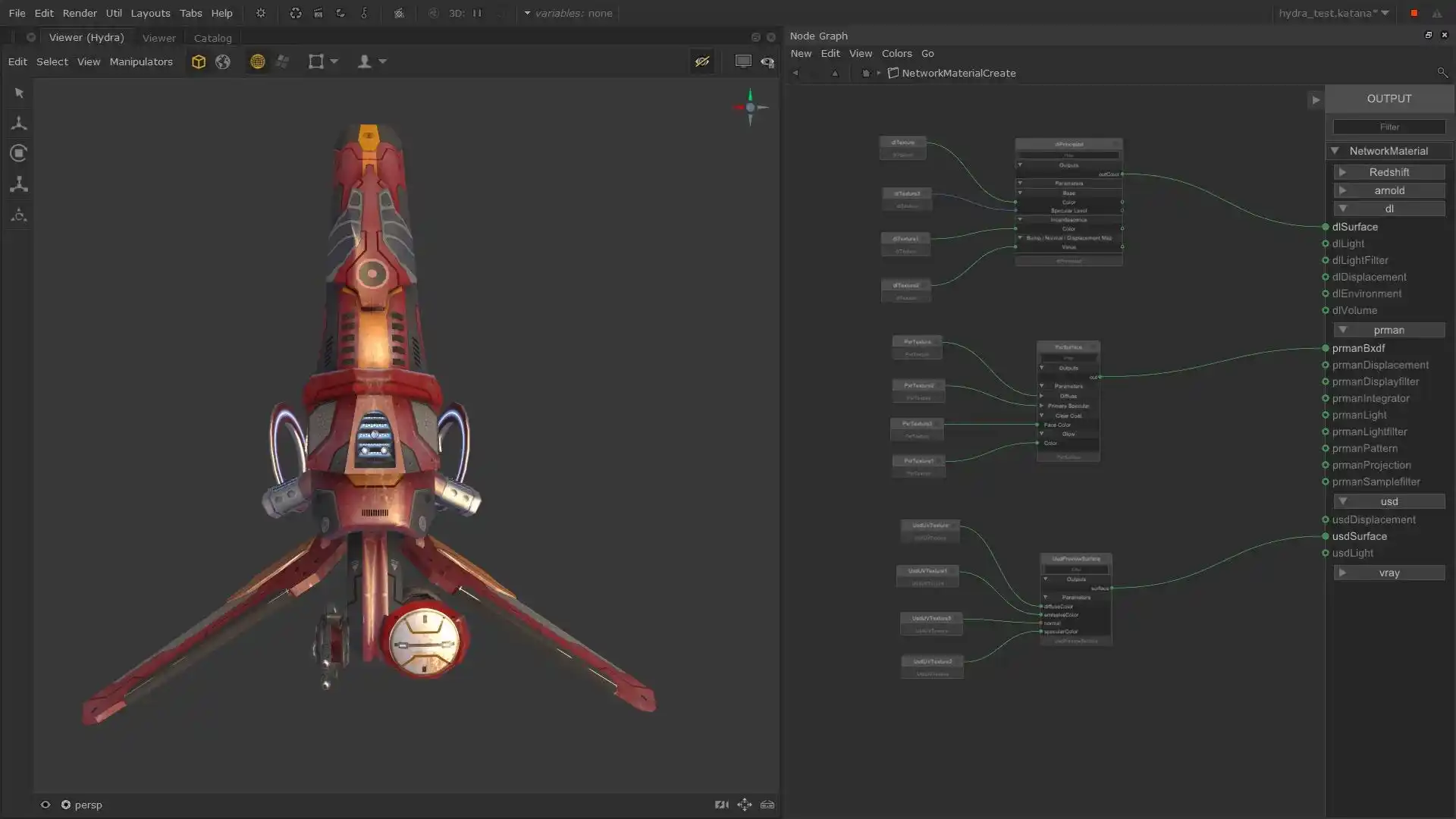
Why Katana?
Foundry Katana is built to supercharge your production pipeline, offering a combination of USD-optimized technology, versatile APIs, and multi-renderer support. It is specifically designed to enhance productivity, reduce turnaround times, and maximize resource efficiency. The software’s Foresight Rendering workflows allow for multiple simultaneous renders and networked interactive rendering, giving artists real-time feedback to iterate faster and achieve precision lighting across entire sequences.
Katana Products
Katana Core
The core powerhouse of the Katana lineup, offering:
- Flexible and scalable lighting workflows
- USD-optimized tech for seamless integration
- Cutting-edge lighting tools for handling entire sequences
- Foresight Rendering for faster iteration and real-time feedback
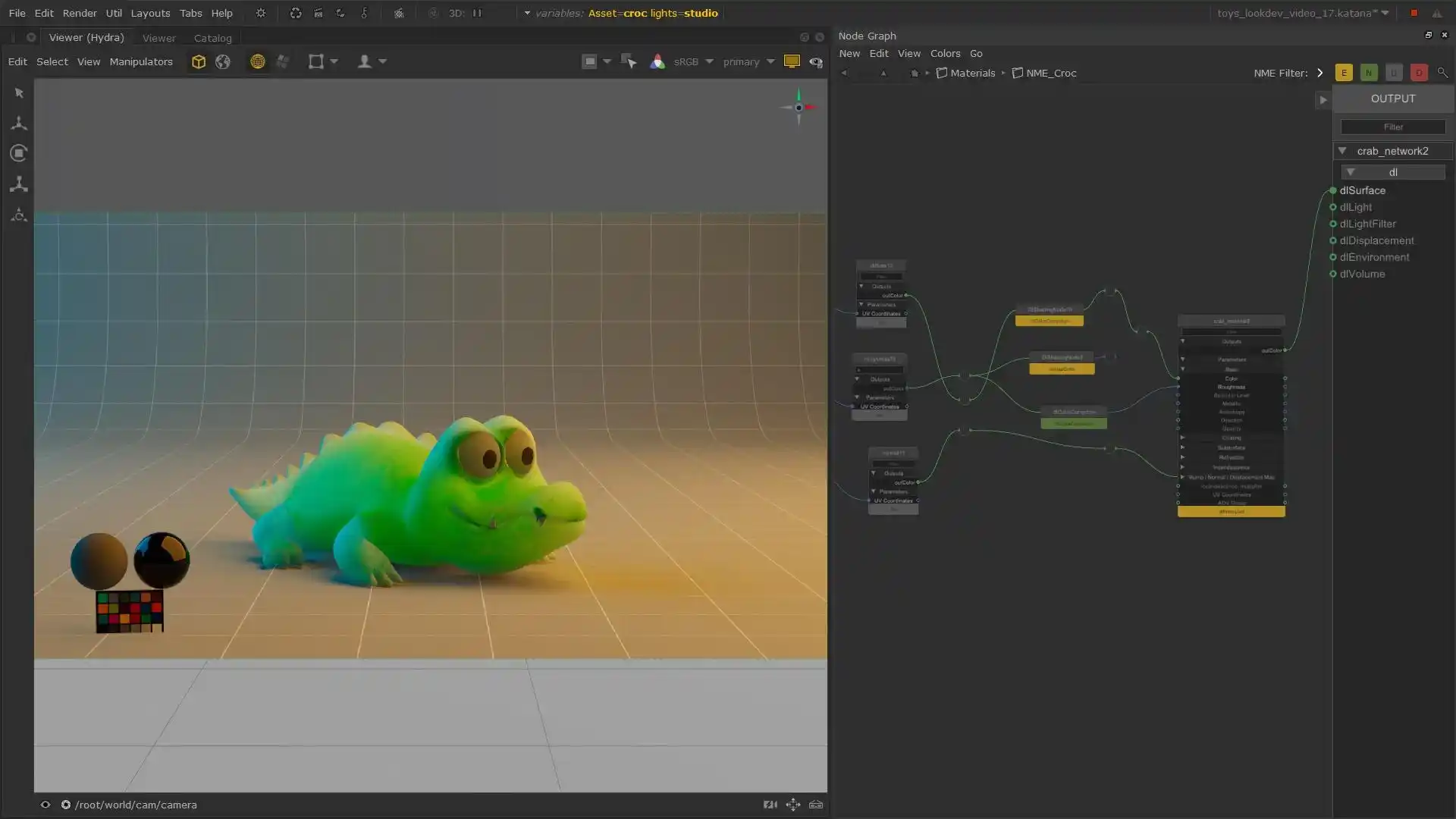
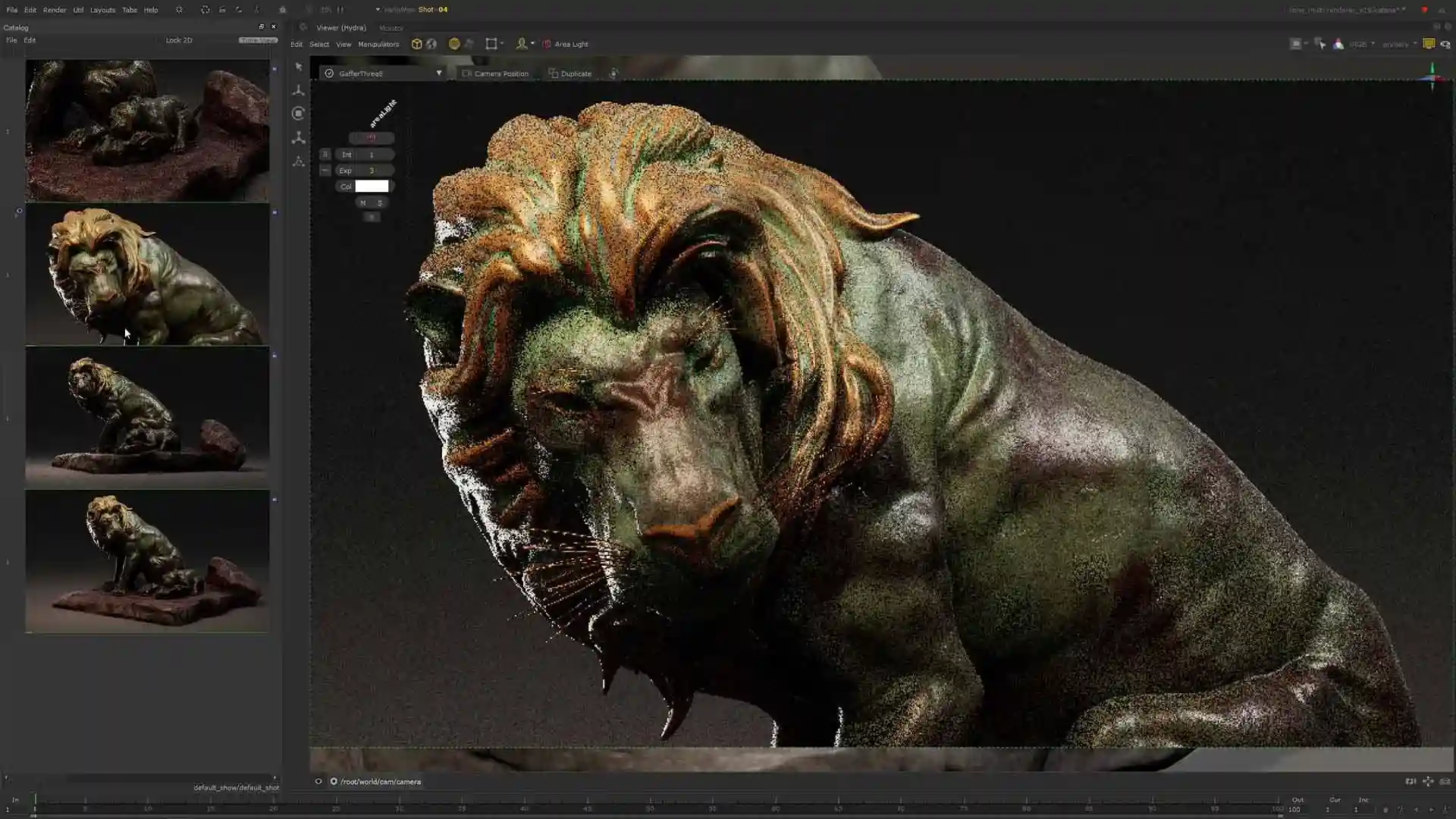
Katana + Nuke + Mari Integration
A powerful combination that delivers:
- Integrated look development, compositing, and texturing workflows.
- Enhanced productivity with a unified pipeline.
- Seamless collaboration between departments.
- Rendering pipeline integration with leading render farm plugins like Deadline and Qube.
What’s New
Designed for scalable, USD-native production workflows
Katana 9.0
Katana 9.0 advances USD-native workflows with the introduction of UsdSuperLayer, a new framework built to support large-scale, production environments. It enables faster creation and editing of USD prims directly within Katana while treating USD as the single source of truth across the pipeline. By moving beyond traditional node-based limitations, Katana 9.0 improves performance on complex scenes and provides a flexible foundation for building specialized and custom tools aligned with modern USD pipelines.
Key Features of Katana 9.0
- UsdSuperLayer Framework: A new USD-native base for creating and editing any prim directly at the node graph level, designed for performance and scalability.
- Faster Interaction at Scale: Improved responsiveness on large scenes compared to conventional node-based approaches.
- USD-Native Authoring: Direct editing on USD layers ensures consistency and reliability across downstream workflows.
- Task-Driven Interface: A dynamic UI that adapts to the context of the work, improving clarity and efficiency for artists and technical directors.
- Python-Based Customization: Full access through Katana’s Python API, enabling the development of context-specific and studio-defined tools.
- UsdGaffer for Lighting Workflows: A specialized node built on UsdSuperLayer, optimized for lighting creation, editing, and multi-shot setups in USD-centric pipelines.
About Hiero
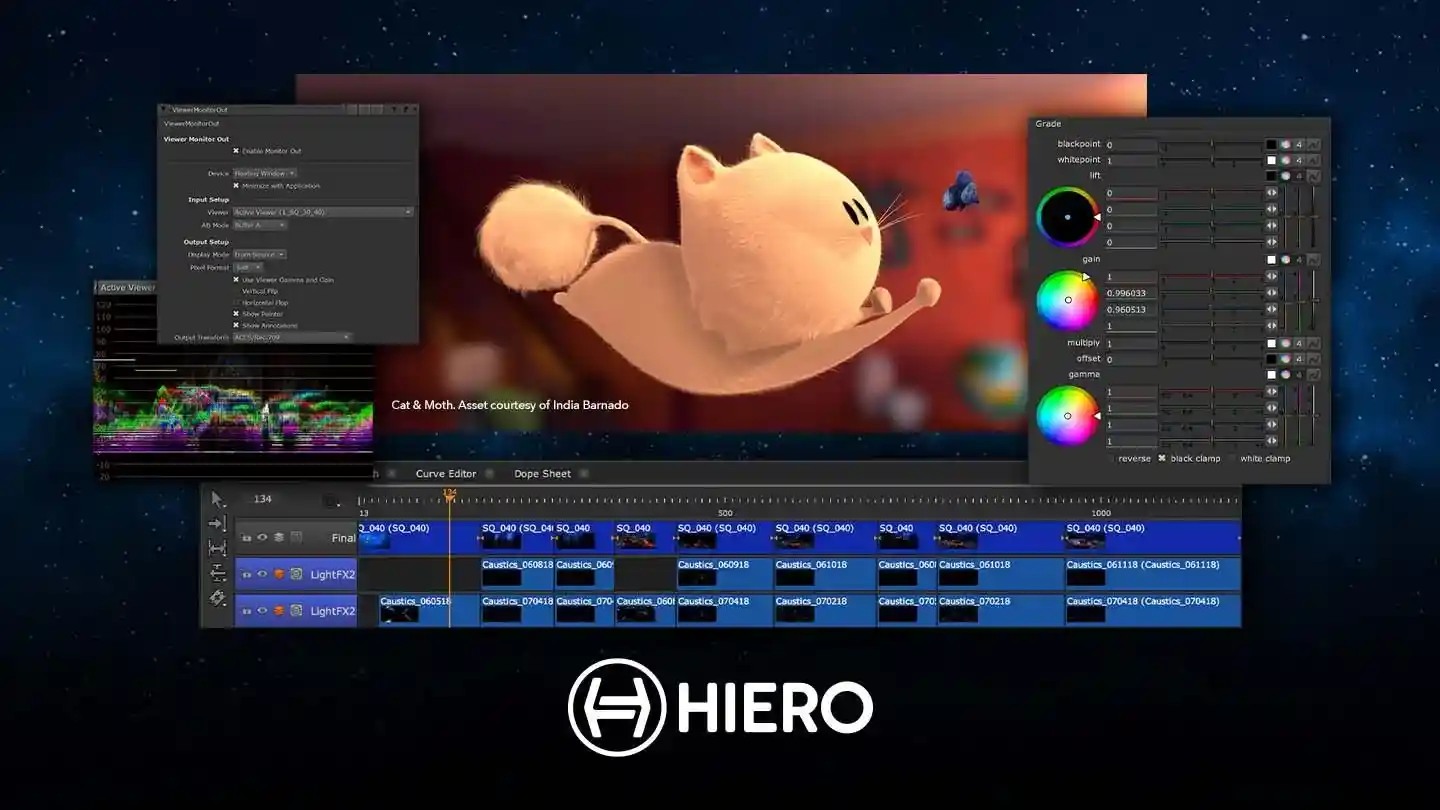
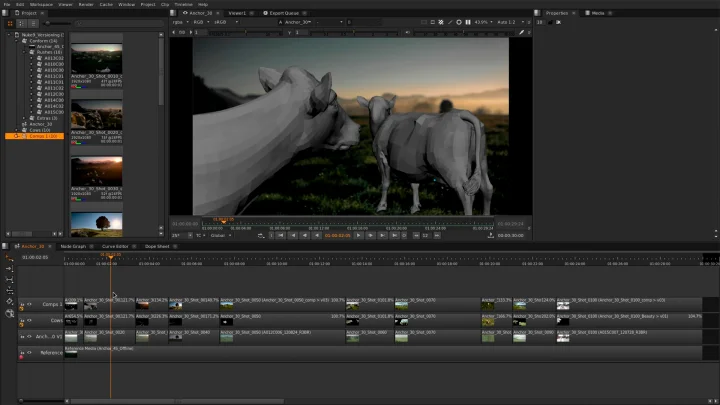
Hiero is a powerful creative editorial and review software designed to streamline multi-shot management for animated and VFX-heavy projects. With a customizable timeline similar to Nuke Studio, it eliminates the complexity of compositing while retaining procedural power to accelerate your workflow. Hiero empowers artists and editors with the flexibility to generate Nuke scripts, allowing greater creative control from start to final delivery.
Why Hiero?
Foundry Hiero is built for teams that demand efficient collaboration and seamless integration within a VFX pipeline. Its full online-editing toolkit combines multi-track editorial capabilities with GPU-accelerated soft effects, ensuring projects are completed on time without sacrificing quality. Whether it’s version management, real-time playback, or dynamic timeline creation, Hiero enhances productivity while maintaining creative consistency.
Hiero Products
Hiero
The core product that offers:
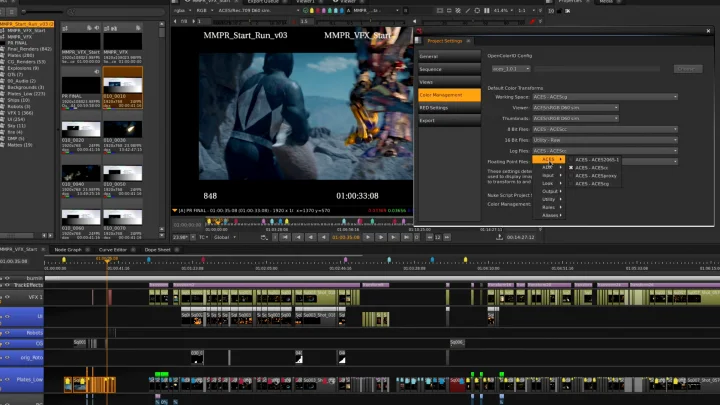
- Customizable timeline similar to Nuke Studio for powerful editorial work.
- Python API support for dynamic timeline creation and integration.
- Advanced review tools for real-time playback and color sampling.
- Flexible pipeline integration with support for major operating systems.
HieroPlayer
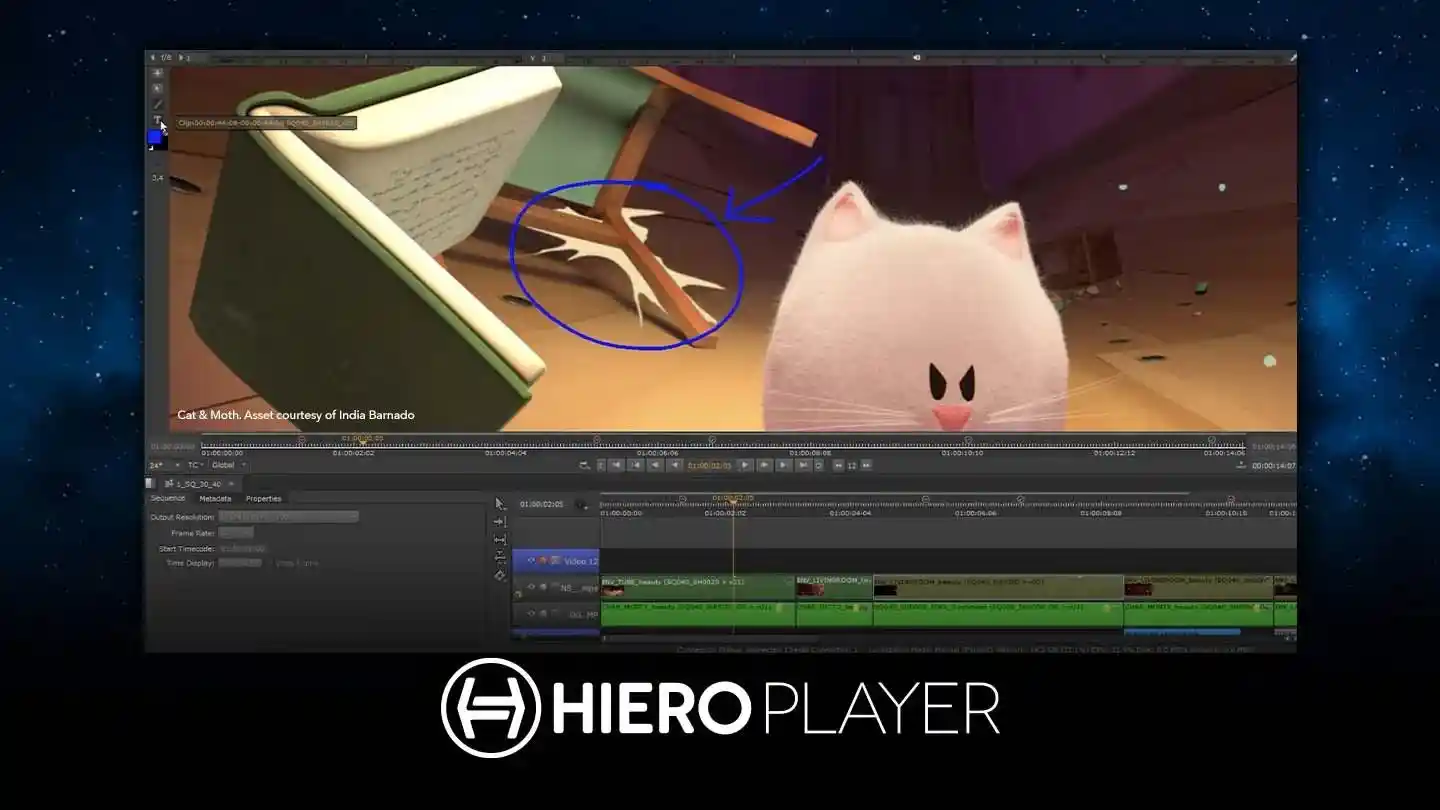
A companion tool for efficient playback and review, offering:
- Seamless integration with the Nuke family for enhanced teamwork.
- SDI-broadcast monitor-out support for context-aware reviews.
- Real-time playback and viewer controls for quick feedback.
- Annotation and version comparison tools for collaborative workflows.
About Mari
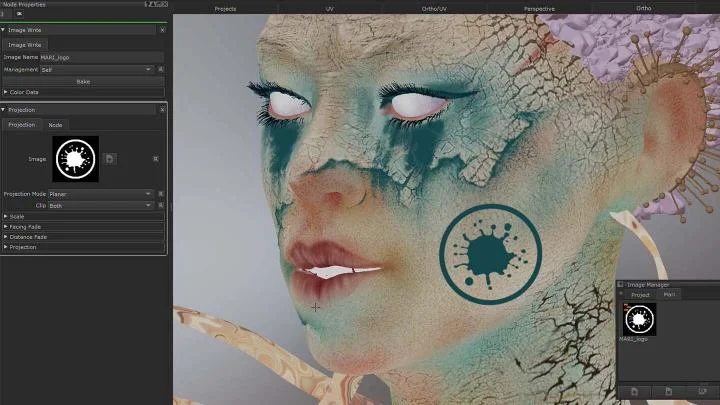
Mari® is a leading digital 3D texture painting software designed to empower artists with limitless creativity. Known for its powerful and artist-friendly 3D paint tools, Mari handles even the most complex assets with ease, enabling users to create intricate textures and effects without limitations. From procedural to hand-painted textures, Mari offers a versatile toolkit that meets the needs of modern visual effects and animation studios.
Why Mari?
Foundry Mari stands out as the preferred choice for artists and VFX professionals due to its combination of power, flexibility, and intuitive workflows. Whether it’s creating realistic textures or stylized visuals, Mari seamlessly blends creativity with performance. The software’s non-destructive layer system, projection painting capabilities, and integration with leading industry formats make it an invaluable tool for any production pipeline.
Mari Products
Mari Core
The flagship software designed for professional 3D texture painting, offering:
- 3D Projection Painting: Create textures with UDIM workflow support for high-resolution assets.
- Procedural Workflows: Non-destructive layer and node graph systems for maximum flexibility.
- Advanced Shader Support: Choose from 3Delight, VRay, Unreal, and Arnold shaders for realistic rendering.
- High-Performance Handling: Supports up to 32K @ 32-bit per UDIM, allowing the management of the most complex production meshes.
What’s New
More creative freedom, without compromise
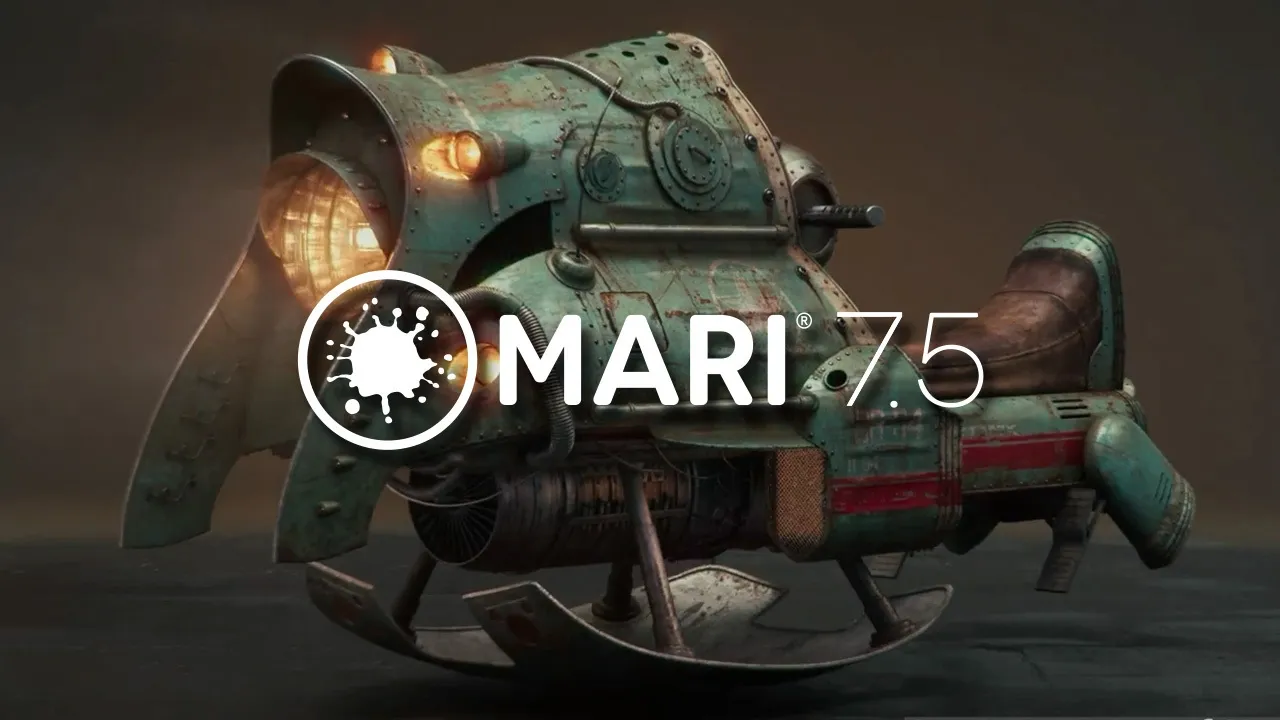
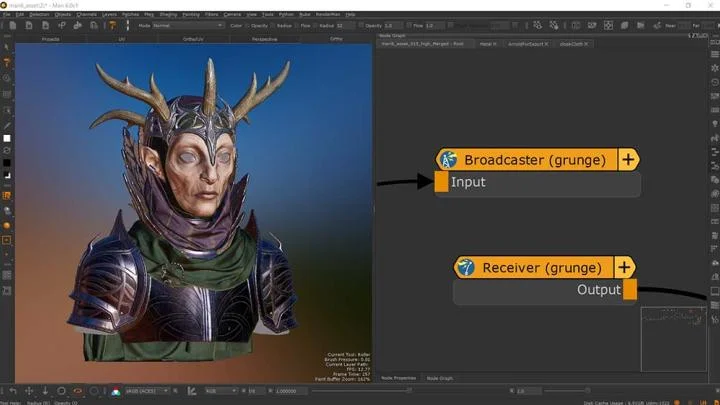
Mari 7.5
Mari 7.5 introduces Multi-Paint, one of the most requested enhancements to Mari’s painting workflow. It allows artists to paint across multiple texture channels simultaneously, improving efficiency while preserving the familiar Mari experience. Alongside Multi-Paint, this release brings workflow-focused updates such as Texture Transfer, a redesigned Image Manager, expanded content libraries, and improved reliability tools. Mari 7.5 is designed to help artists focus on detail, consistency, and storytelling at scale.
Key Features of Mari 7.5
- Multi-Paint: Paint and project across multiple channels such as diffuse, specular, roughness, and normal maps in a single stroke, without disrupting creative flow.
- New Multi-Channel Paint Node: Work with up to eight texture streams at once, reducing repetitive tasks and accelerating look development.
- Enhanced Paint Tools: Existing paint tools have been upgraded to support Multi-Paint, eliminating the need to relearn workflows.
- Multi-Paint Presets: Save and reuse painting configurations to improve speed and consistency across projects.
- Texture Transfer: Transfer textures between assets using Mari’s Bakery engine, enabling faster iteration and visual consistency without manual rework.
- Image Manager Updates: Organize, group, search, and drag-and-drop images intuitively, with all reference content accessible in one place.
- Expanded Content Library: New skin and animal maps from Texturing XYZ, additional production-ready brushes, and an example project for hands-on texturing.
- Back-up and Restore: Recover missing files from autosaves or tagged backups, including automated backups for improved project safety.
- Crash Reporting: A new reporting system simplifies crash and bug submission while protecting sensitive project data.
About Cara VR
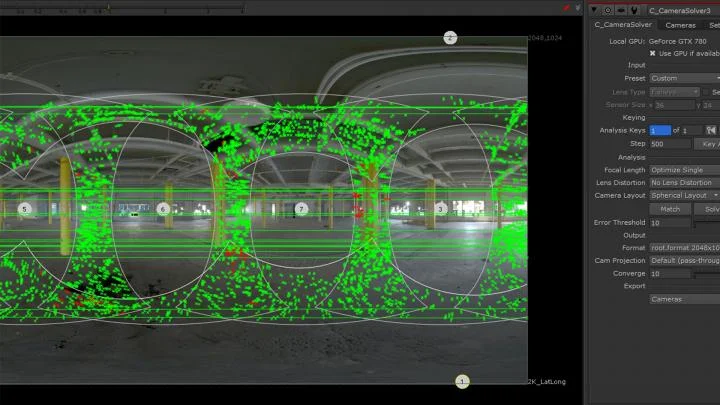
Foundry Cara VR® is a virtual reality plug-in toolset for Nuke®, designed to accelerate the creation of immersive live-action VR content. It streamlines the challenging process of stitching and compositing 360° video footage, allowing artists to focus on producing high-quality, captivating VR experiences. With its seamless integration into the NukeX environment, Cara VR significantly enhances your VR production pipeline.
Why Choose Cara VR?
- Fast and Efficient: Automates stitching and compositing of 360° videos, saving time and effort.
- Seamless Nuke Integration: Leverages Nuke’s full compositing toolset directly on VR content.
- High-Quality Output: Ensures smooth stabilization and visual consistency for immersive experiences.
- Headset Support: Review VR content directly from Nuke or Nuke Studio without exporting.
- Versatile Workflows: Perfect for both live-action and CG integration with streamlined processes.
Cara VR Products
Cara VR for Nuke
The core product for integrating VR capabilities directly into NukeX, offering:
- Advanced Stitching: Efficiently stitch mono or stereo VR content with automated correction for exposure and white balance.
- Stabilization Tools: Reduce camera shake and movement artifacts.
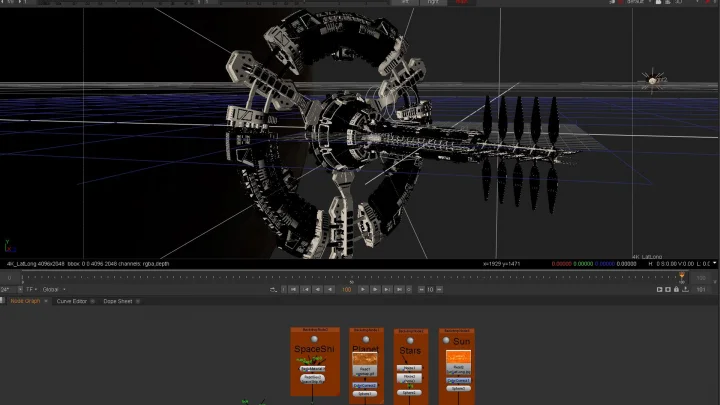
- Nuke Integration: Utilize Nuke’s comprehensive toolset for compositing, clean-up, and visual effects.
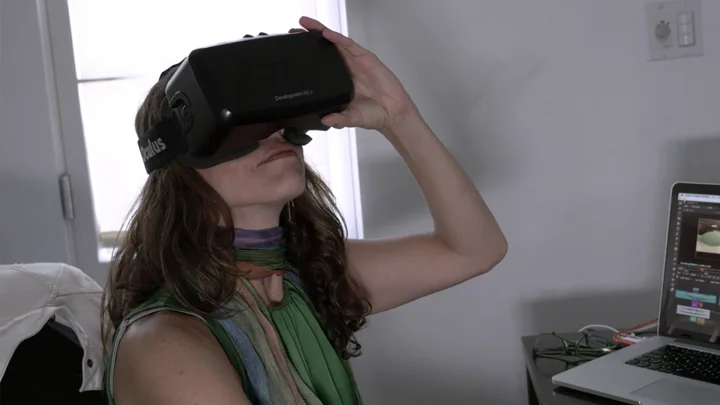
Cara VR Headset Review Tool
An add-on that allows artists to review VR content directly from Nuke, featuring:
- VR Headset Compatibility: Support for popular VR headsets.
- Efficient Review Process: View content directly within Nuke or Nuke Studio’s timeline, eliminating the need for exports.
About Flix
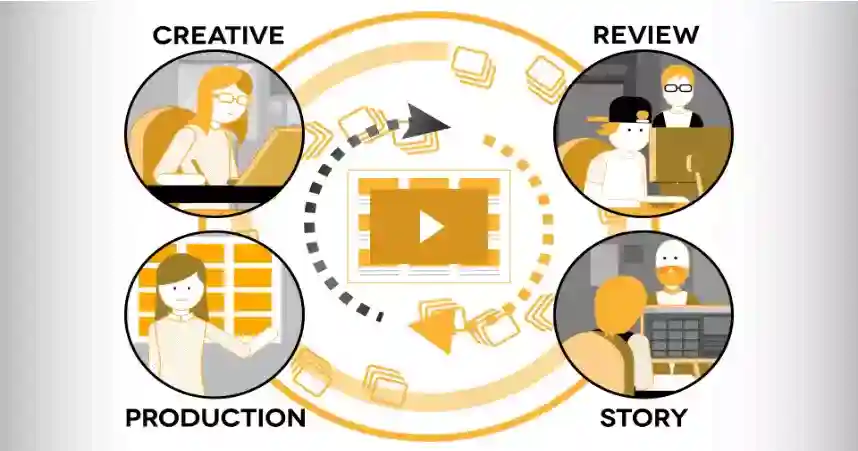
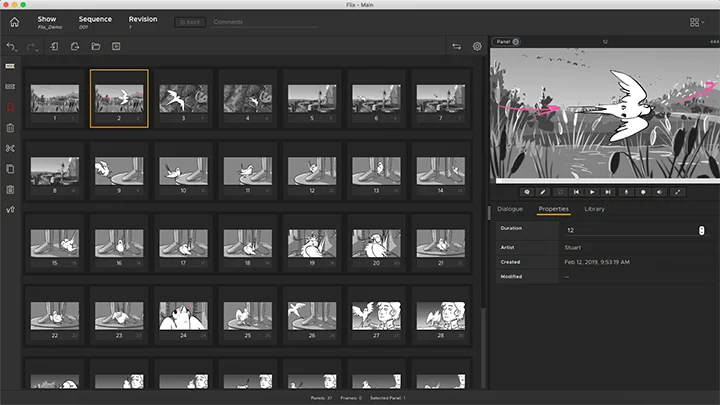
Flix is a powerful story development software designed to bring order to the chaos of storytelling. It enables creative and production teams to collaborate seamlessly, eliminating administrative hassles while fostering creativity. Flix helps artists and producers focus on storytelling rather than tedious management tasks, making it an essential tool for efficient project handling.
Why Flix?
Foundry Flix is more than just software—it’s a collaborative story development solution that empowers creative and production teams to work smarter and more efficiently. With features designed to minimize manual tasks, enhance creative freedom, and maintain production efficiency, Flix stands out as the go-to choice for storytellers worldwide.
Flix Products
Flix Core
The main solution for story development and collaboration, offering:
- Automated File Management: Say goodbye to manual file handling with automated naming and organization.
- Streamlined Storyboarding: Develop, revise, and fine-tune stories using Flix’s intuitive interface and flexible tools.
- Collaboration Tools: Share updates, receive feedback, and manage revisions seamlessly.
Flix Integration Suite
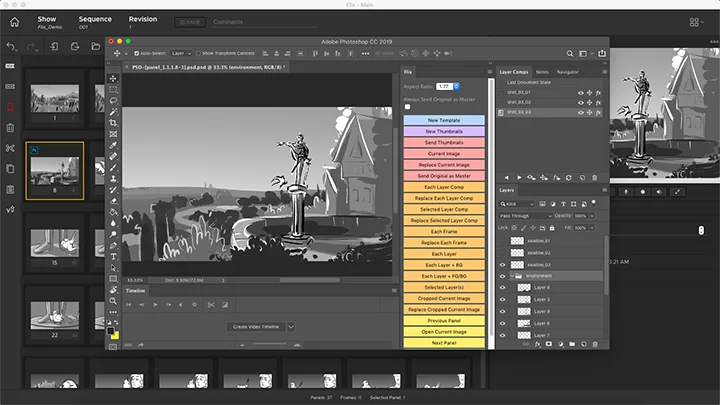
Enhance your workflow with integrated tools and third-party software support, including:
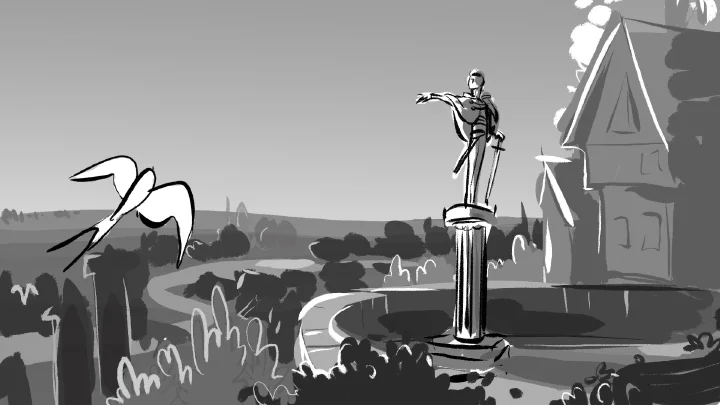
- Sketching App Integration: Keep using your favorite drawing tools and manage them within Flix.
- Editorial Workflow Compatibility: Integrate seamlessly with your editorial pipeline to keep everything organized and accessible.
What’s New
Stronger collaboration between storyboard and editorial
Flix 8.0
Flix 8.0 enhances collaboration between storyboard artists and editorial teams by allowing each department to work in their preferred tools without disrupting structure or intent. With improved round-tripping, smarter shot management, and clearer sequence ingest workflows, this release strengthens Flix as a central hub for story development. The introduction of the Storyboard Pro extension enables true panel-level revisioning, reducing unnecessary sequence exchanges and preserving creative continuity throughout production.
Key Features of Flix 8.0
- Storyboard Pro Extension: A panel-by-panel workflow that eliminates the need to resend entire sequences for minor revisions.
- Individual Panel Exchange: Send and replace single panels directly between Storyboard Pro and Flix with seamless version updates.
- Version-Up Workflow: Update artwork while maintaining complete panel history inside Flix.
- New Shots UI: Dedicated browser-based interface for creating, editing, and managing shots with improved clarity.
- Customizable Shot Naming: Define naming conventions, apply incremental numbering, and rename shots at any stage.
- Improved Round-Tripping: Preserve shot names, structure, and metadata when publishing to and returning from Editorial.
- Storyboard Pro Integration: Shots appear as native scenes in Storyboard Pro, and Storyboard Pro scenes are automatically ingested as shots in Flix.
- Streamlined Panel Creation: Drag-and-drop workflows with visual drop indicators and snap-to-target precision for faster shot and sequence structuring.
- Full Panel History Tracking: Maintain automatic version history when updating or replacing artwork.
- Client Plugins for Customization: Extend and tailor the Flix interface using Chrome-based client plugins, enabling custom buttons, UI behavior adjustments, and workflow controls.
- New Sequence Ingest UI: Real-time import visibility with progress tracking, background processing, and direct access to logs for troubleshooting.
FAQ's
ARK Infosolutions is the authorized value-added distributor and reseller for Foundry in India. ARK supports studios, production houses, and institutions with Foundry software licensing, deployment guidance, training coordination, and post-sales technical support across India.
Foundry develops professional software used in visual effects, animation, and digital content creation. Its tools are widely used for compositing, 3D texturing, lighting, look development, and asset creation in film, television, animation, and game production workflows.
ARK Infosolutions provides access to Foundry’s professional software portfolio in India, including tools used for compositing, texturing, lighting, and 3D content creation. These solutions support high-end VFX, animation, and media production workflows.
Foundry software is used across film and television production, visual effects, animation, gaming, design, and digital content creation. These tools support complex production pipelines where image quality, scalability, and workflow control are critical.
ARK Infosolutions supports Foundry users in India with product demonstrations, installation assistance, workflow integration guidance, training coordination, and ongoing technical support. This helps teams adopt Foundry tools effectively within real production environments.
Yes. ARK Infosolutions supports volume and multi-user licensing for Foundry software in India. Licensing options are aligned with the needs of studios, enterprises, and educational institutions operating at different production scales.
To enquire about Foundry software in India, you can contact ARK Infosolutions by submitting an enquiry through the website or emailing foundry@arkinfo.in. The team assists with licensing options, product selection, training, and technical support.
RELATED BLOGS
Katana 9.0: The Command Center for Modern VFX Lighting
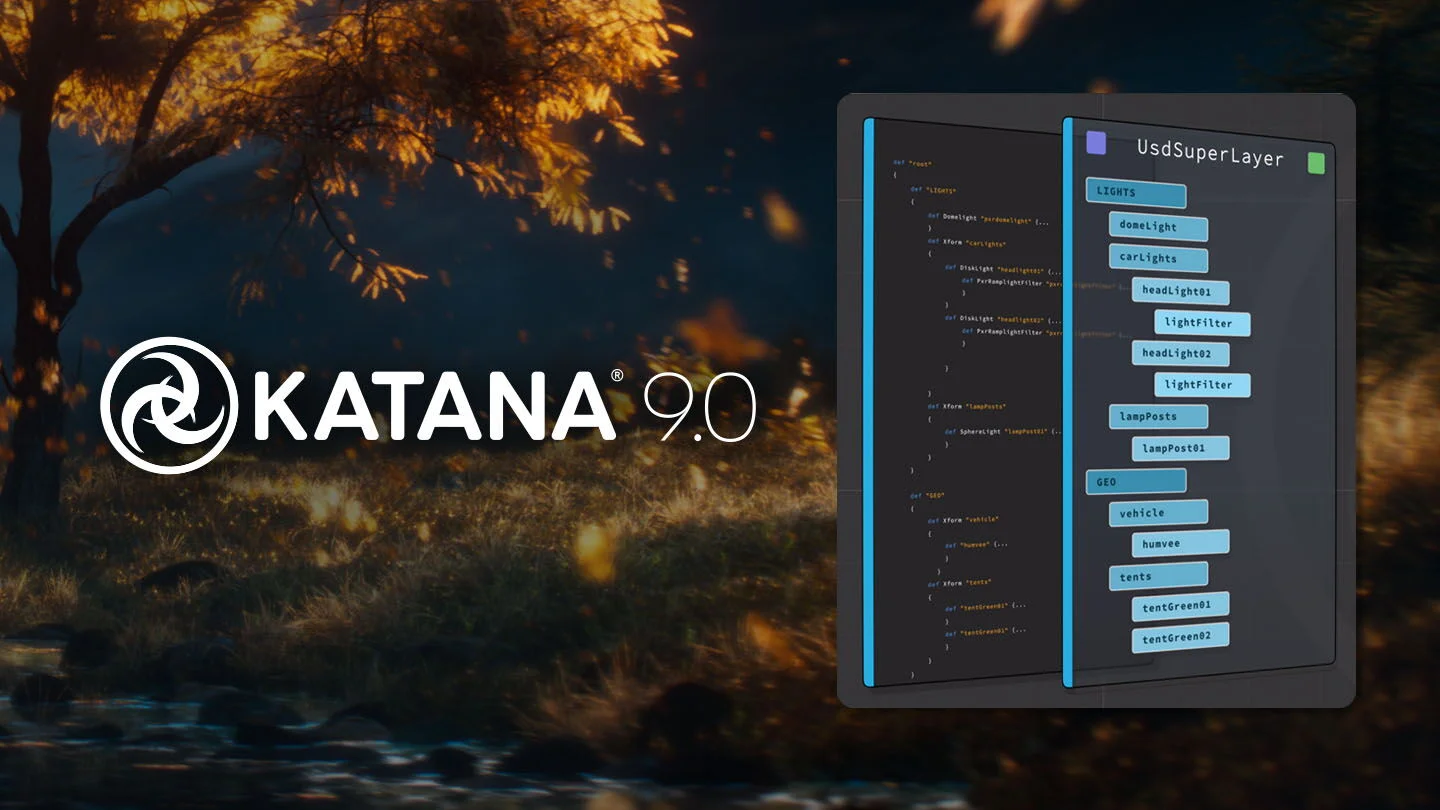
Katana 9.0: The Command Center for Modern VFX Lighting
What’s New in Foundry 2025: Pioneering the Future of VFX and Post-Production
What’s New in Foundry 2025: Pioneering the Future of VFX and Post-Production

SmartRoto
- Spline-based control: Traditional AI tools can be rigid. SmartRoto features a spline-based interface, giving you precise creative control until the final pixel.
- Commercially safe: The model underpinning SmartRoto is exclusively trained on licensed data for full commercial use. Everything runs locally, and none of your data is transmitted.
- Minimal training: SmartRoto operates as part of Nuke's Roto node to fit seamlessly into existing workflows, with minimal pipeline change or training required.
- Shared licenses: Just like Nuke, SmartRoto is available with Floating or Team-Login licenses. They're not locked to individual machines or accounts, so artists working on the same server can share one subscription.*
- Create the initial shapes: Manually create shapes on an initial frame, then select a different shot and create the Smart Keyframe.
- Refine the keyframe: Review and adjust the generated keyframe to ensure correct alignment, lock it in, and repeat if needed.
- Configure the range: Set the input, custom, or in/out points of the working range within the properties, for precise control of the output.
- SmartRoto the sequence: Hit the Create Smart Keys button and SmartRoto will do the rest, while giving you the freedom to keep refining to your liking.
Got any queries?
We are here to answer
Upcoming Events
-
ARK at ABIS 2026
22-Oct-2026 - 24-Oct-2026