
How Katana 9.0 Fits into Real VFX Lighting Pipelines
Lighting rarely stands alone in a frame. It supports everything else. Surface detail, depth, atmosphere. If it fails, the entire shot feels off, even if the viewer cannot explain why.
What sits behind that is less visible. Large environments, layered assets, and constantly evolving scene data. Managing that complexity has become part of the lighting process itself.
This is where Foundry Katana 9.0 comes into play. It is not positioned as a general 3D tool. It operates as a control layer for lighting, look development, and scene data management for VFX pipelines that deal with scale.
Lighting Built as Logic, Not Files
In many tools, lighting lives inside the scene file. That works up to a point. Once shot counts increase, it becomes difficult to maintain consistency without duplication.
Katana takes a different route. It is fundamentally a node-based lighting software, where lighting is defined as a set of instructions rather than a fixed setup.
This distinction matters in production.
Instead of recreating lighting across shots, teams build systems that can be reused and adjusted. A change made once can affect an entire sequence, while still allowing local overrides where needed.
Two aspects of this approach tend to stand out in practice:
Deferred Scene Loading
Geometry is not fully loaded during interaction. The system resolves what it needs at render time. This avoids unnecessary overhead when working on dense scenes.
Sequence-Based Power
Lighting does not need to be rebuilt per shot. It can be structured once and extended across a sequence, which is critical in any VFX lighting pipeline dealing with hundreds of shots.
Katana 9.0: The USD Evolution
The real headline for version 9.0, which was released this February, is how it embraces Universal Scene Description (USD). Workflows have moved beyond simple file exchanges. Katana now operates with native USD integration at its core.
USD Is No Longer Optional
Most large productions have moved toward USD-based workflows. Not as an experiment, but as a requirement.
Katana USD integration in version 9.0 reflects that shift. It does not treat USD as an import or export format. It works directly with USD stages, keeping them as the primary source of truth.
For teams, this changes how data moves:
- Lighting decisions remain aligned with asset structure
- Departments are not duplicating scene data unnecessarily
- Updates propagate without breaking relationships
This is what defines a working USD lighting workflow today. It is less about file exchange and more about shared context.
UsdSuperLayer and Managing Complexity
Earlier USD workflows often became difficult to manage as layers accumulated. Each operation added another layer, and over time, that stack slowed things down.
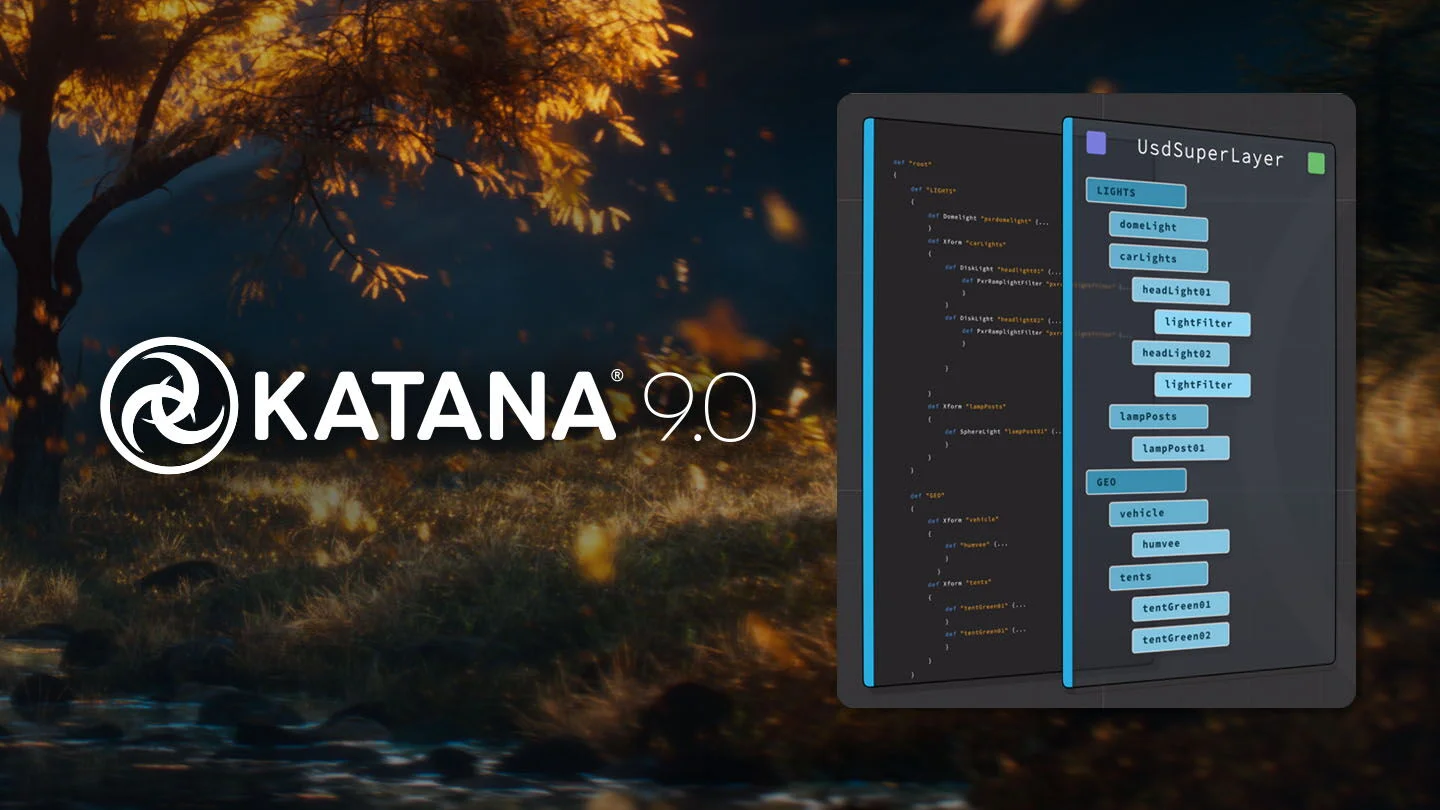
Katana 9.0 addresses this with the UsdSuperLayer framework.
Instead of spreading edits across multiple layers, it consolidates them. The benefit is not theoretical. It shows up when navigating heavy scenes or modifying procedural graphs.
From a pipeline perspective, this reduces friction in scene data management for VFX, particularly when multiple departments are interacting with the same environment.
UsdGaffer and Practical Lighting Control

(Source: Foundry Website)
UsdGaffer builds on that structure and brings lighting directly into the USD context.
Artists can work on lighting setups inside the USD stage itself. Adjustments are recorded as changes rather than full overrides, which keeps the data lighter and easier to track.
There is also a practical advantage in collaborative setups. Multiple artists can contribute without stepping over each other’s work, as long as the layering is structured correctly.
For production teams, this aligns closely with how a VFX lighting pipeline actually operates under deadlines.
Simple Shading with USDMaterial

(Source: Foundry Website)
Foundry has also introduced a dedicated USDMaterial node. It enables quick, non-destructive shader adjustments that previously required additional setup steps. What once felt like a technical chore can now be handled with minimal effort.
Hydra 2.0 and Feedback Loops

(Source: Foundry Website)
Katana Hydra 2.0 support is still in an early stage, but its direction is clear.
The goal is to improve what artists see while they work. The Hydra viewer provides a closer approximation of final renders inside the viewport, reducing the need for repeated test renders.
That shift may seem incremental, but in practice it shortens iteration cycles. Less waiting, more adjustment.
For lighting work, where small changes matter, that difference is noticeable.
Where Katana Sits in the Pipeline
Katana is not intended to replace other tools. It sits alongside them.
In most setups, it connects with:
- Texturing workflows
- Asset management systems
- Render engines
- Compositing pipelines
Its role is specific. It handles lighting logic and scene assembly at scale, while remaining adaptable through Python-based extensions.
This is why it continues to be used as a VFX lighting tool in larger productions where pipeline flexibility is non-negotiable.
Closing Perspective
Lighting has always been tied to storytelling, but the way it is executed has changed.
The challenge is no longer just artistic. It is structural. Managing scene complexity, maintaining consistency, and keeping pipelines responsive under load.
Katana 9.0 addresses those constraints without changing the core idea behind the software. Lighting is treated as a system. Something that can scale, adapt, and remain consistent across an entire production.